4
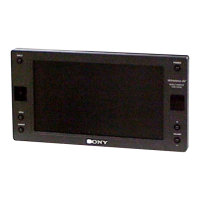
XVM-R70
SECTION 2
GENERAL
This section is extracted
from instruction manual.
7
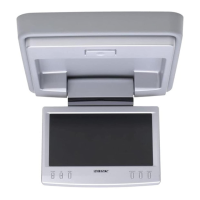
Location of controls
1 OPEN button
Press to open the monitor.
2 Receptor for the card remote
commander/Transmitter for the
cordless headphones
3 UP/DOWN (M/m) buttons
Press to select the desired item.
Monitor
continue to next page t
*
The reverse position of the display monitor
You can close with the LCD surface out after turning around 180 degrees, and images on
the screen can be turned upside down by pressing
(REVERSE)
on the monitor. Before
closing the display monitor, make sure that the monitor is turned and facing the
enclosure (you will hear a click). Each time you press
(REVERSE)
on the monitor, the
reverse screen mode switches between on and off.
4 MENU button
Press to adjust the various display
settings.
5 REVERSE button*
Press to switch images upside down.
6 INPUT button
Press to select the input source.
7
POWER button
REVERSE
180˚
c c


 To Next Page
 Loading...