9
Operation
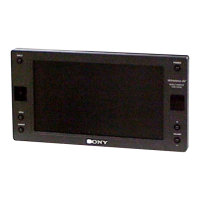
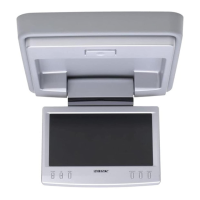
Opening the display monitor
Press (OPEN) to open the display monitor,
then press (POWER) to turn on the monitor.
Tip
If your car has no ACC (accessory) position on the ignition key switch, and the POWER
SELECT switch is set to the B position, the monitor does not turn on by pressing
(POWER) on the card remote commander (page 6).
Returning t he display monitor to its enclosure
Close the display monitor until it clicks. The monitor turns off automatically.
Notes
• Be careful not to catch your finger in the display monitor when closing.
• Do not put any foreign objects between the LCD panel and the enclosure when closing.
Adjust ing t he tilt and sw ivel
This display monitor can be adjusted within the
angles shown.
Tip
Before closing the display monitor, make sure that
the monitor is turned and facing the enclosure
(you will hear a click).
POWER
OPEN
AT T POWER
MENUINPUT
MODE
LIST
SETUP
TOP M ENU ALBUM
+
ALBUM
–
MENU
DISPLAY
ENTER
VOL
SUBTITLE
AUDIO
OFF
30˚
180˚
120˚
Downloaded from: https://www.usersmanualguide.com/


 To Next Page
 Loading...