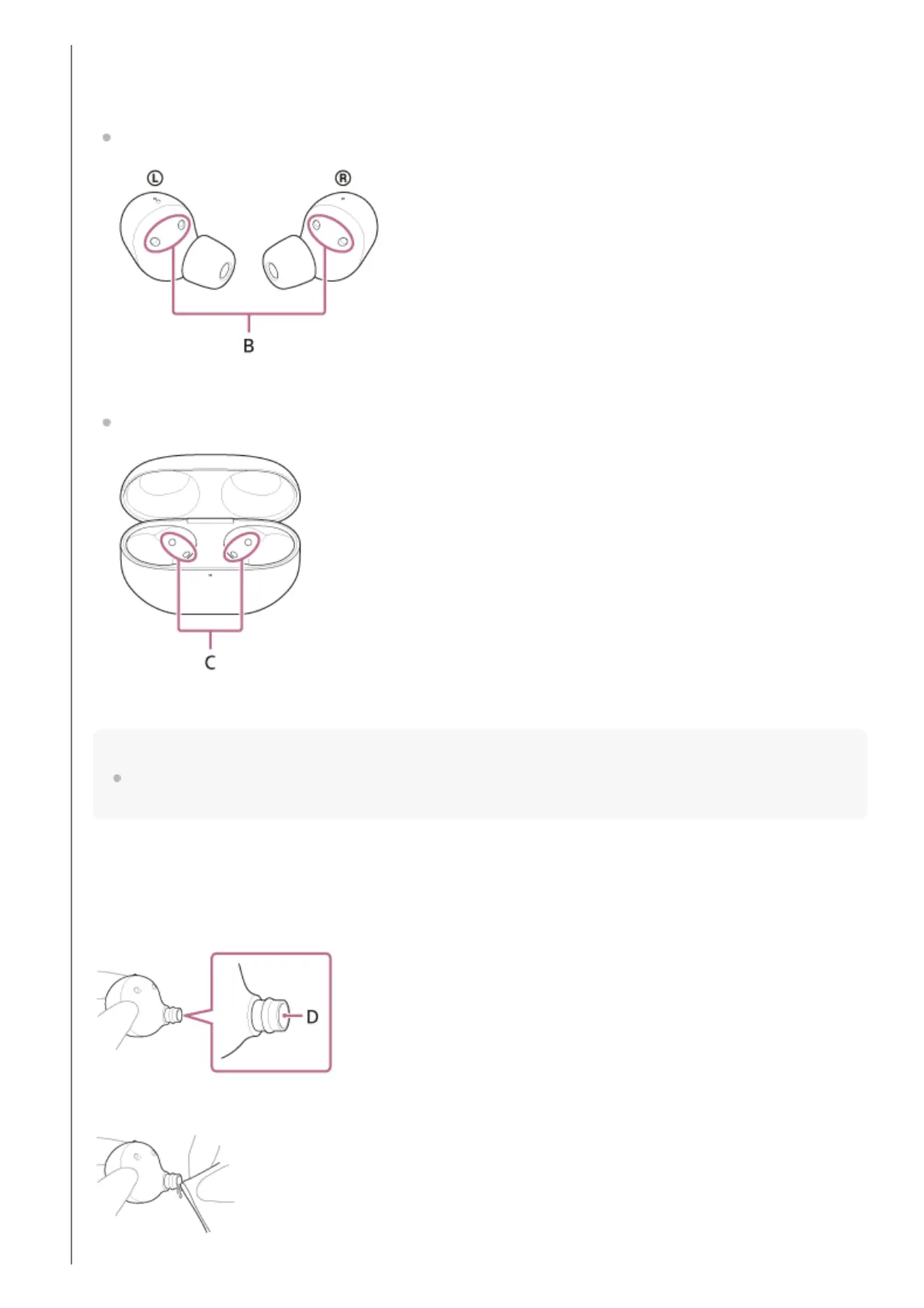
When the headset cannot be charged, it may help to try thoroughly cleaning the charging ports.
Charging ports that needs maintenance
Headset
B: Charging ports of the headset units (left, right)
Charging case
C: Charging ports of the charging case (left, right)
Note
Do not use an air duster, etc. to remove dust, etc.
Dust, etc. may enter the sound output hole and lead to malfunction.
Cleaning of the sound output holes
Wipe off any dirt such as earwax in the sound output hole of the headset unit with a cloth that has been moistened
with water and wrung out tightly.
Remove the dirt so that it does not push into the headset unit deeply.
D: Sound output hole



 To Next Page