Help Guide
Wireless Noise Canceling Stereo Headset
WF-1000XM5
Using the noise canceling function
If you use the noise canceling function, you can enjoy music without being disturbed by ambient noise.
About the instruction manual video
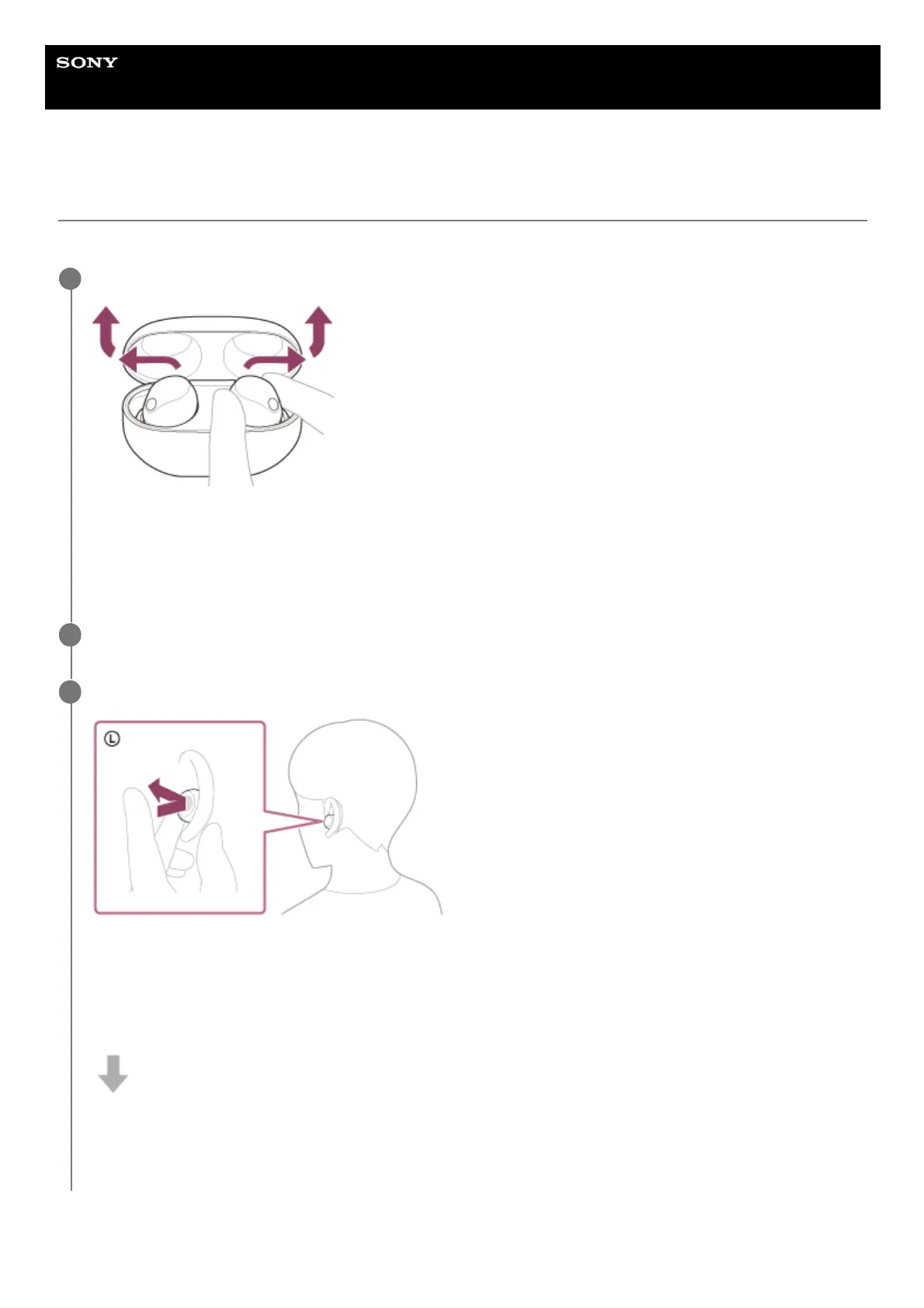
Lay the headset units on their sides and remove them from the charging case.
The headset turns on automatically.
When you use the headset for the first time after purchase or just after initializing the headset, the noise canceling
function is turned on automatically when the headset is turned on. Any changes made to the settings are retained
from this point on.
1
Put the headset units into both ears.
2
Tap the touch sensor on the left headset unit to change the settings of the noise canceling function.
Each time you tap, the function switches as follows.
Ambient Sound Mode: ON
You will hear a notification sound from both headset units (or from the left headset unit when only the left headset
unit is worn) at the same time.
Noise canceling function: ON
You will hear a notification sound from both headset units (or from the left headset unit when only the left headset
unit is worn) at the same time.
3



 To Next Page