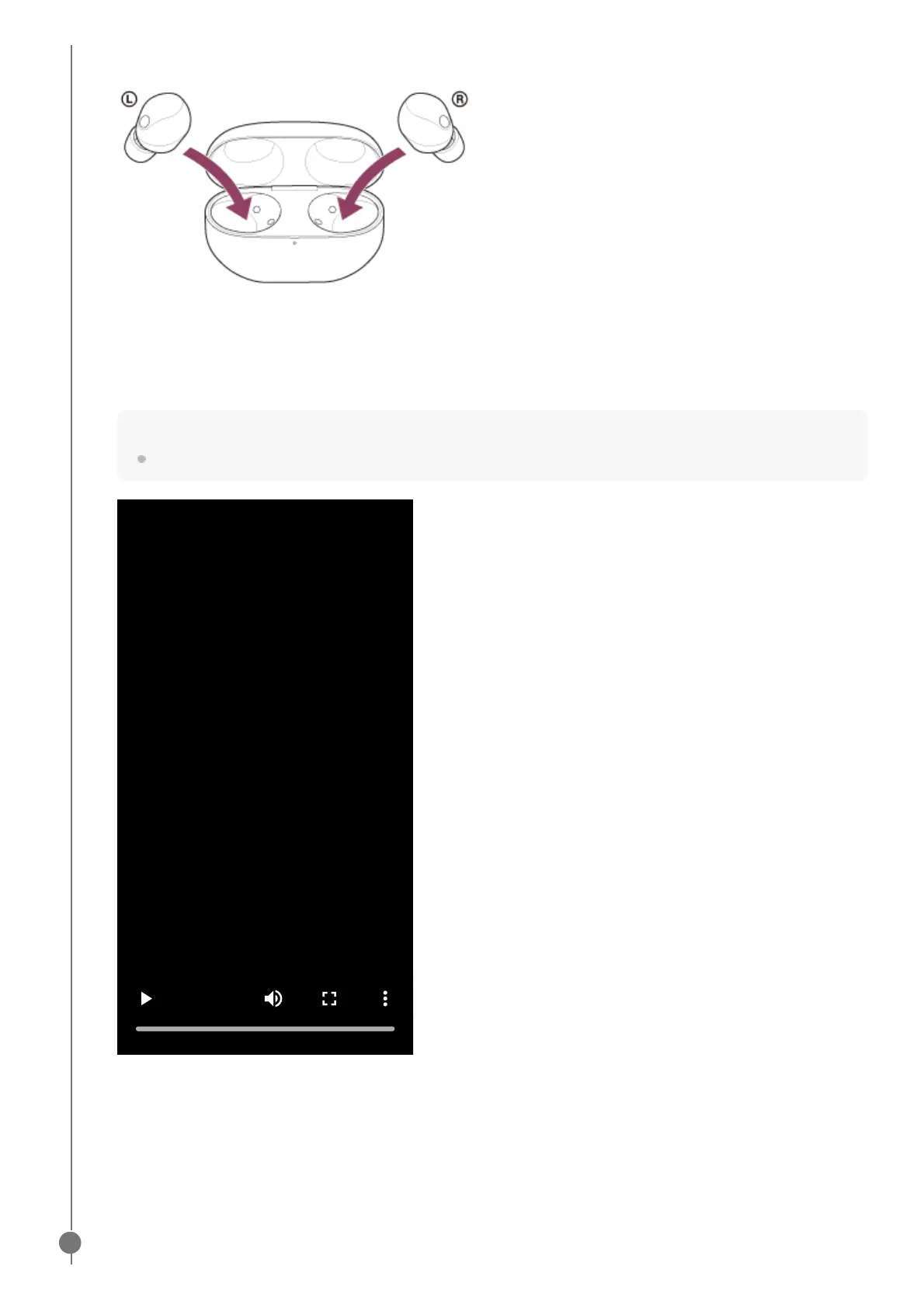
Set the headset units into the charging case.
Leave the charging case lid open.
1.
With the charging case lid open, press and hold the pairing button on the back of the charging case for about 5
seconds or more.
Note
The headset does not enter pairing mode with the charging case lid closed.
The indicator (blue) on the charging case repeatedly flashes twice in a row and the headset goes into pairing
mode.
You can remove the headset from the charging case after entering pairing mode.
When you are wearing the headset, you will hear a notification sound from both headset units at the same time,
and you will hear a voice guidance say “Pairing”. When you are wearing only one headset unit, you will hear the
notification sound and voice guidance from the headset unit you are wearing.
2.



 To Next Page