Help Guide
Wireless Speaker
SRS-XV500
Turning the power off
Hint
While the speaker is connected to an AC outlet by the supplied AC power cord (mains lead) and the BLUETOOTH standby
function is activated, turning off the speaker lights the
(power) indicator in orange to indicate the BLUETOOTH standby function
is active
*
.
Related Topic
Auto Standby (power saving) function
Using the BLUETOOTH standby (auto power on) function
5-053-791-11(1) Copyright 2024 Sony Corporation
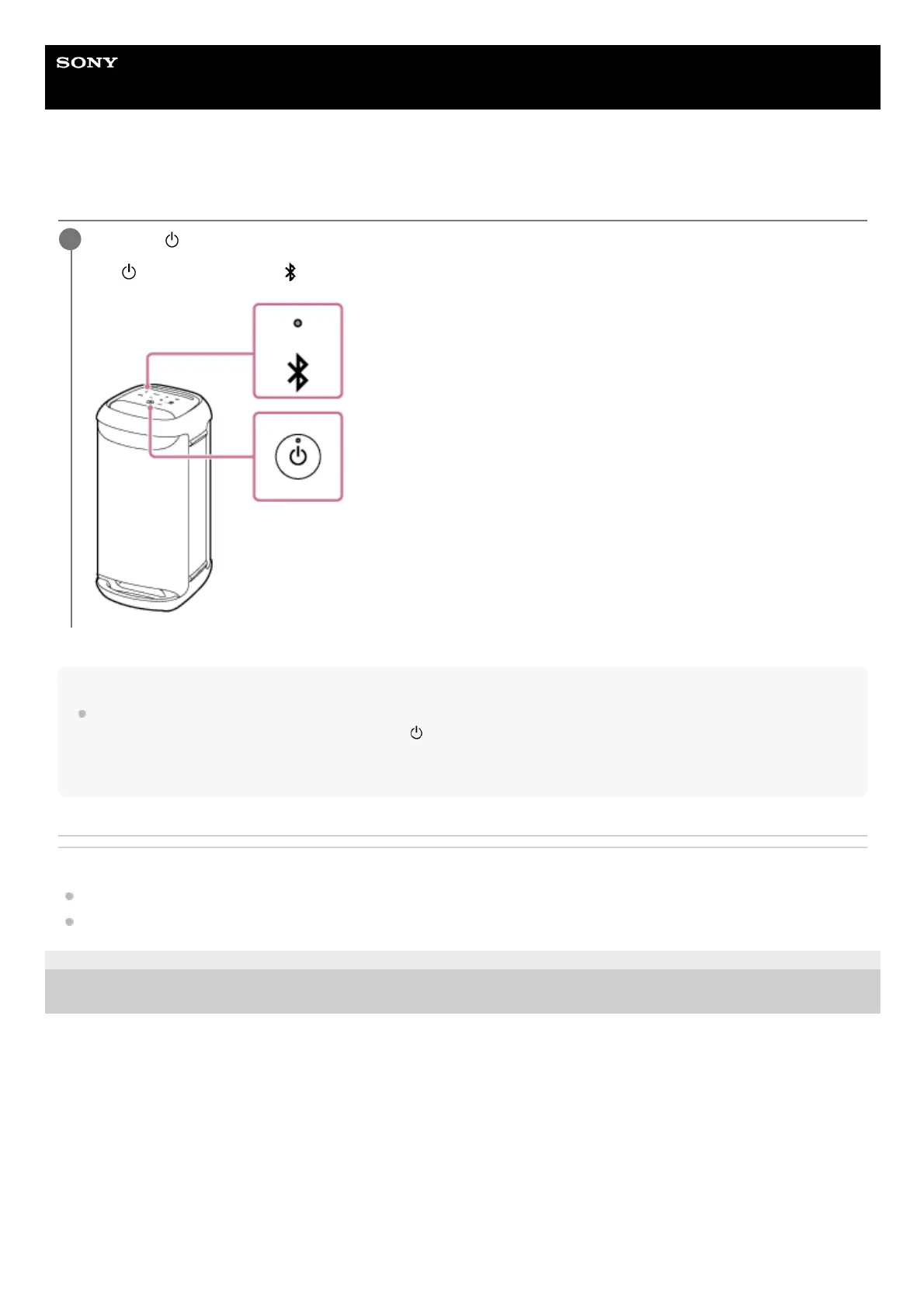
Press the
(power) button.
The
(power) indicator and (BLUETOOTH) indicator turn off.
1
At the time of purchase, the BLUETOOTH standby function is deactivated.*



 To Next Page