Help Guide
Wireless Speaker
SRS-XV500
Installing “Sony | Music Center”
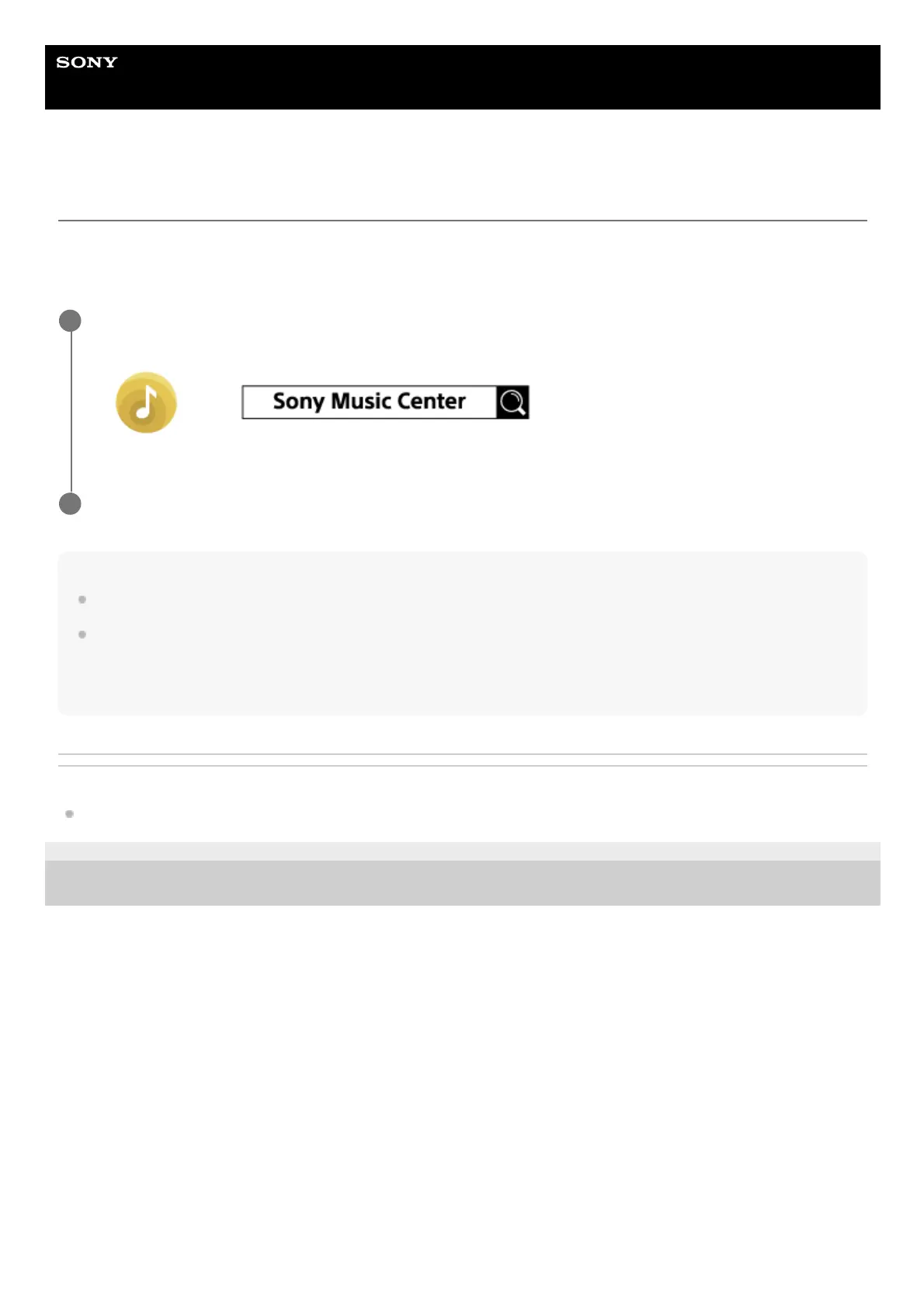
Install “Sony | Music Center” on your smartphone, etc. from Google Play (Play Store) or the App Store. For Apple iOS
devices, “Sony | Music Center” can be installed on the devices with iOS 11.0 or later. Installation is not available on the
devices with iOS 10.x or earlier.
Note
Be aware that “Sony | Music Center” and “Music Center for PC” are different apps.
Be sure to use the latest version of “Sony | Music Center.” If you cannot connect the speaker and a BLUETOOTH device via a
BLUETOOTH connection, or if there is a problem such as no sound being emitted, uninstall “Sony | Music Center” and try to
connect via the BLUETOOTH connection again. For details about “Sony | Music Center,” refer to Google Play (Play Store) or the
App Store.
Related Topic
What you can do with “Sony | Music Center”
5-053-791-11(1) Copyright 2024 Sony Corporation
Download “Sony | Music Center” from Google Play (Play Store) or the App Store and install it.
1
When the installation is complete, start “Sony | Music Center.”
2



 To Next Page