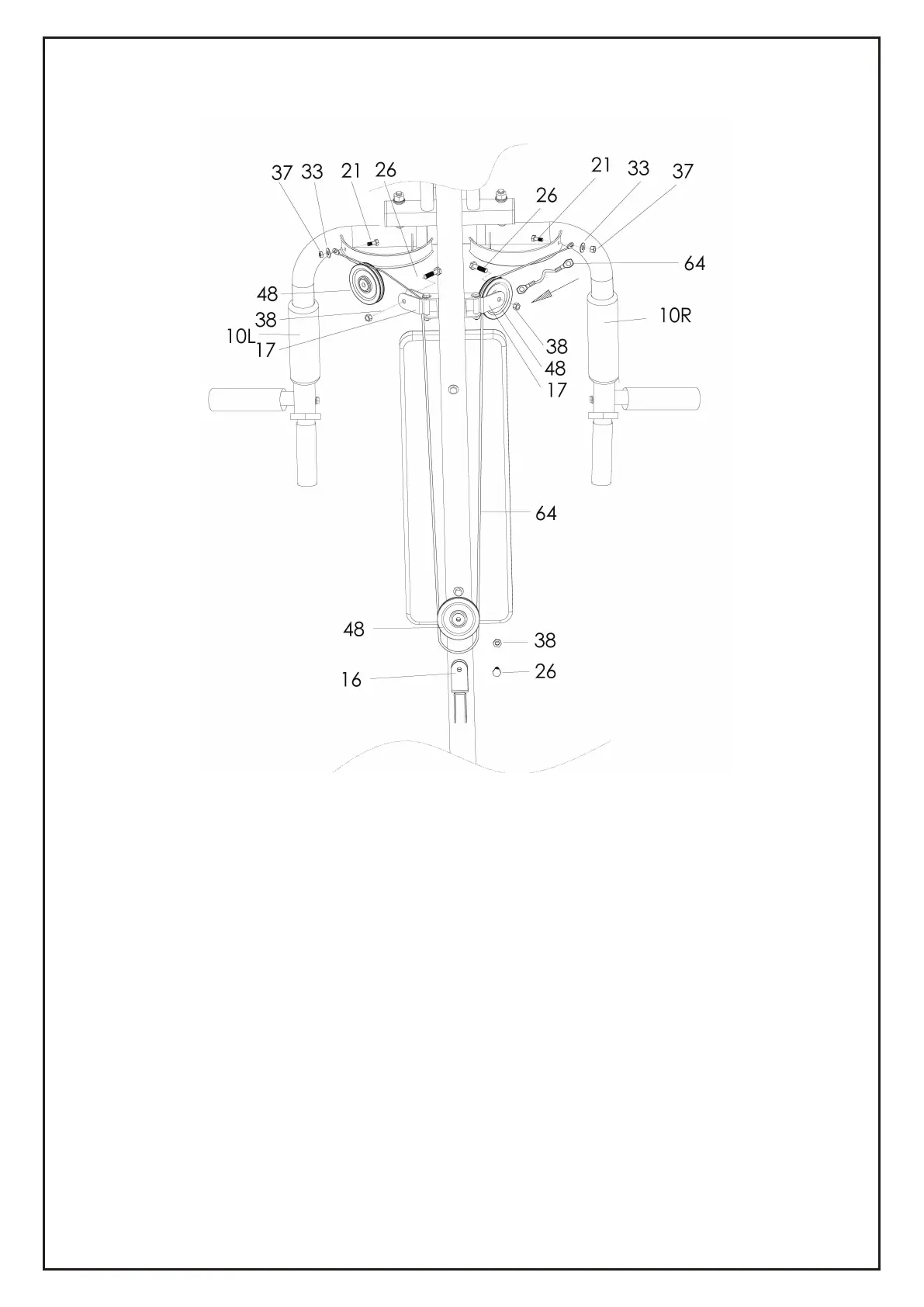
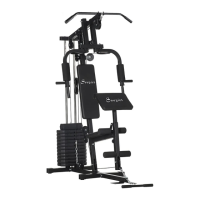
1) Attach one end of the Cable for Butterfly Arm (64) to the hook on the Right Butterfly Arm
(10R), tighten by X1 Hex Head Bolt (22), X1 Flat Washer (33) and X1 Nylon Nut (37).
2) Draw the Cable (64) around the Pulley (48) then attach the Pulley (48) to the Pulley
Bracket (17) on right side of the Upright Support Tube (2), tighten by X1 Hex Head Bolt
(26) and X1 Nylon Nut (38).
3) Draw the Cable (64) downward and around the Pulley (48), attach the Pulley (48) to the
upper part of Two Way Bracket for Pulley (16) and tighten by X1 Hex Head Bolt (26) and
X1 Nylon Nut (38).
4) Draw the Cable (64) upward and around Pulley (48). Attach Pulley (48) to the Pulley
Bracket (17) on the left side of the upright Support Tube (2), tighten by X1 Hex Head Bolt
(26) and X1 Nylon Nut (38).
5) Attach the other end of Cable (64) to the hook on the Left Butterfly Arm (10L), tighten by
X1 Hex Head Bolt (22), X1 Flat Washer (33) and X1 Nylon Nut (37).
STEP 7
14


 To Next Page