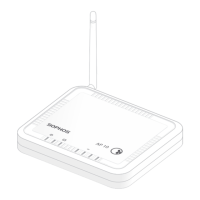
28AP6 420(E)/840(E)
Operating Instructions
Ceiling mount
1. Fix the bracket to the rear of the Access Point by using 4 of the supplied screws.
2. To install, put the access point underneath the ceiling rail and
turn it into place. To dismount, push down the spring locks
and turn the access point in the other direction.
Wall mount
1. Use the mounting template to mark the screw mounting positions on the wall.
2. Drill the 2 supplied wall anchors into the wall at the marked positions and
screw 2 supplied screws into them. Make sure they stand out ~6.7mm.
3. Fix the bracket to the rear of the Access Point by using 4 of the supplied screws.
4. Hang the access point (with the mounted bracket) on the wall
by aligning the key holes with the mounted screws.
Wall Wall
Wall
6.7mm ±2.0



 To Next Page
 Loading...