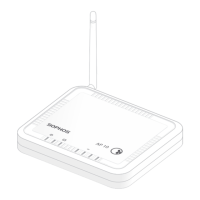
33AP6 420(E)/840(E)
Operating Instructions
Serial Console Connection
You can connect a serial console to the Micro USB COM port of your Access Point. For
example, you can use the HyperTerminal program which is included with most versions
of Microsoft Windows to log onto the appliance console. Use an appropriate adapter to
connect the console to your hardware appliance.
The required connection settings are:
Ì Bits per second: 115,200
Ì Data bits: 8
Ì Parity: N (none)
Ì Stop bits: 1
Ì Flow Control: None
Access via the serial console is activated by default on ttyS1.


 To Next Page
 Loading...