Need help?
Do you have a question about the Sophos XG 230 and is the answer not in the manual?
Lists the components included in the Sophos XG device package for unboxing verification.
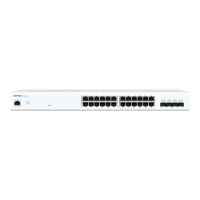
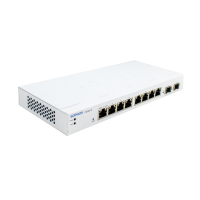
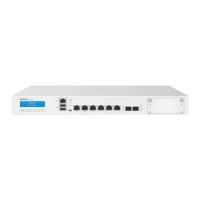
Provides visual representations of the device's front and back panels for identification and port location.
Instructions on connecting the device's ports to internal and external networks for operation.
Steps to connect the device to power and turn it on, noting the acoustic signal upon boot completion.
Specifies the required IP address, Netmask, Default Gateway, and DNS Server settings for the PC.
Guide on connecting the PC to the device's LAN port and accessing the Admin Console via HTTPS.
Steps to register the device with a Sophos ID via the internet for full functionality.
Instructions to fetch and apply license information from Sophos onto the device.
Initiates the wizard to configure deployment mode, IP addresses, and time settings.
Explains the meaning of various LED indicators on the device's RJ45 and SFP ports.
Provides links and contacts for further information and technical support from Sophos.

 To Next Page

 General