Hardware Overview
3
User Guide
Hardware Overview
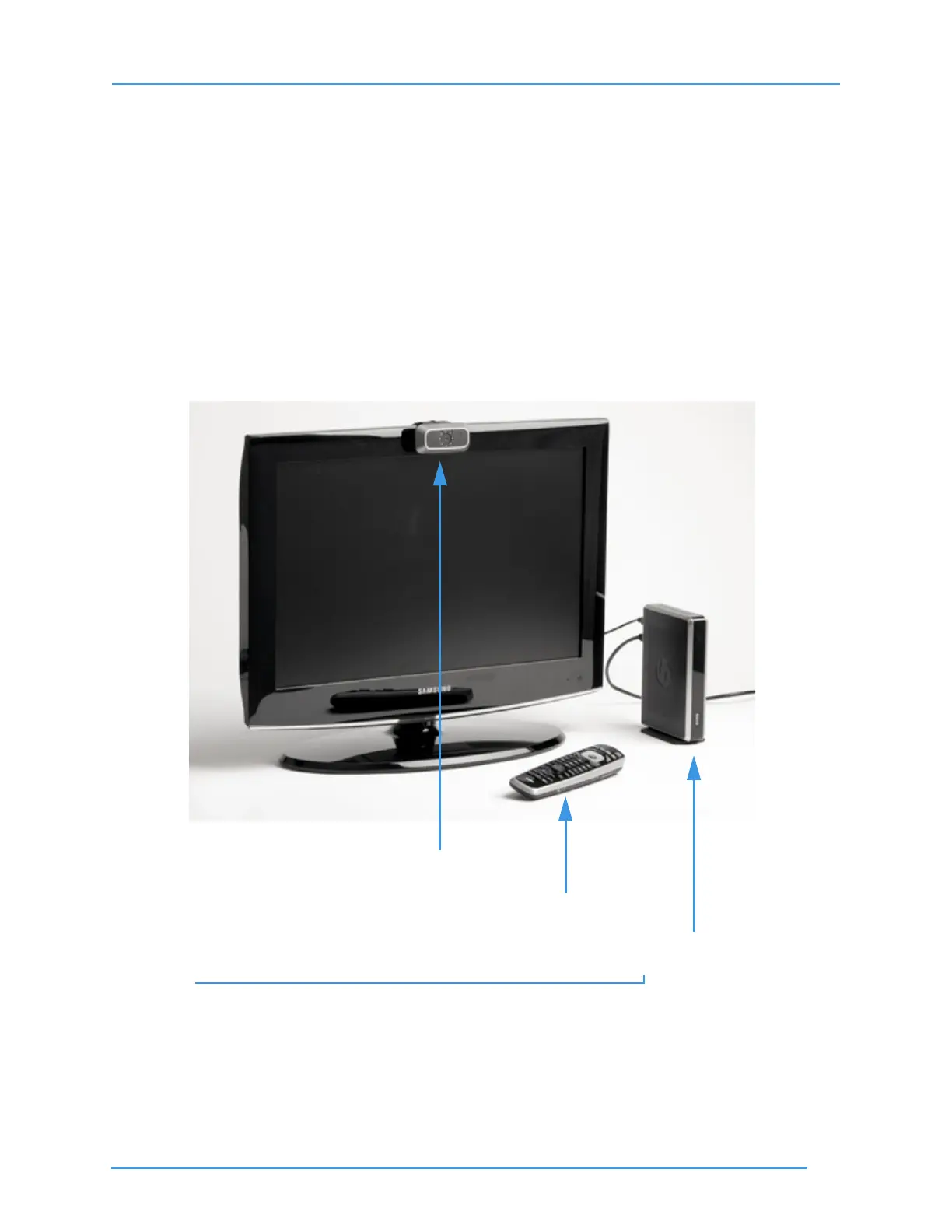
ntouch VP is made up of three separate hardware devices: the Main Unit, the Remote
Camera Unit (RCU), and the hand-held remote control. The Main Unit connects to the
Remote Camera Unit with a USB cable attached to the RCU. The Main Unit connects to
a standard TV set or to an HDTV using either a composite video cable or an HDMI
cable. ntouch VP supports both Standard and High Definition video signals.
Take a Quick Look at ntouch VP
Step 1. Look at this picture to see how ntouch VP’s three hardware devices could be
arranged next to an HDTV television screen.
Figure 1: ntouch VP shown with an HDTV
Note: A television set is not provided with ntouch VP.
Remote Camera
Remote Control
Main Unit



 To Next Page