Hardware Overview
5
User Guide
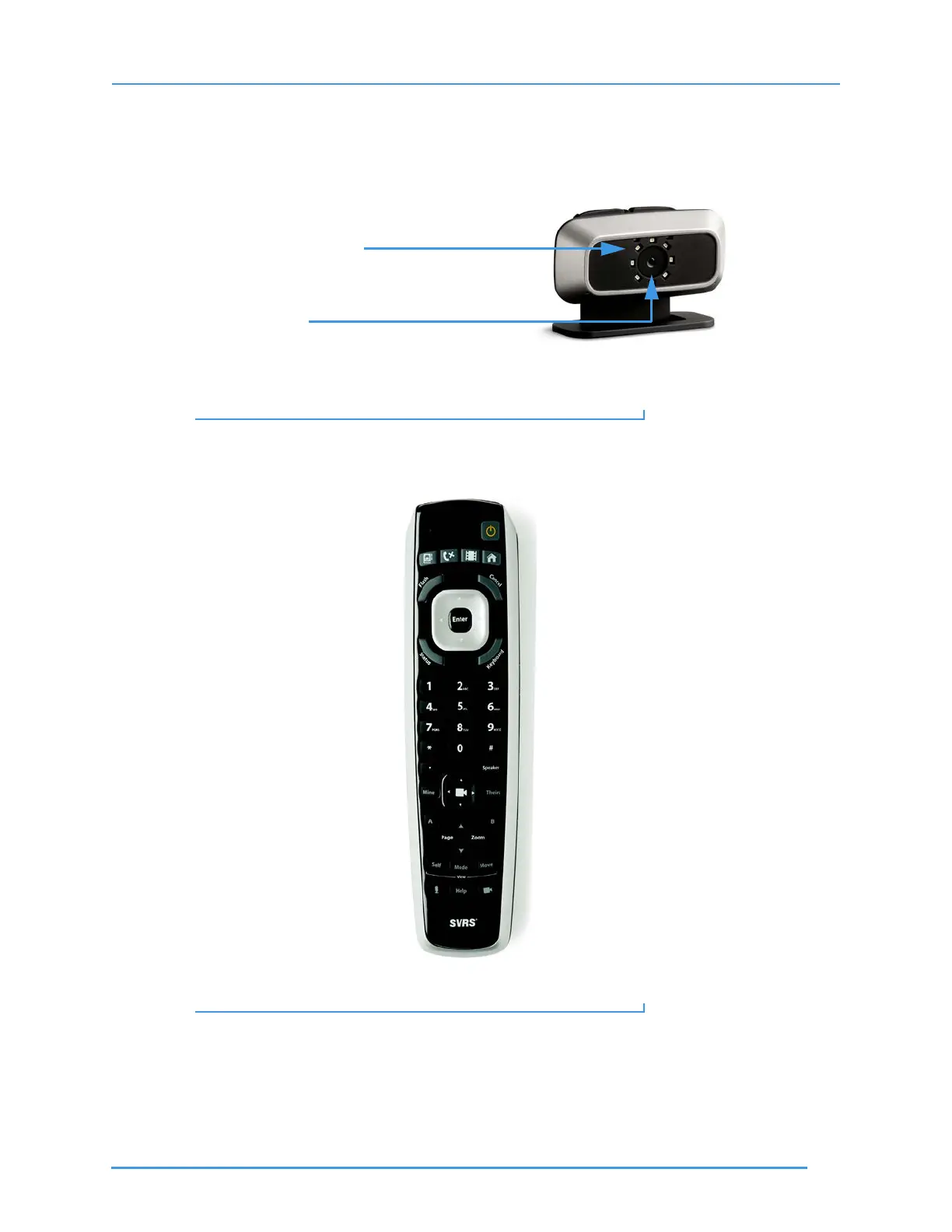
Step 4. Look at this picture to see ntouch VP’s Remote Camera Unit (RCU). The LightRing is
located around the camera lens. You do not have to focus or adjust the camera lens.
Figure 4: Remote Camera Unit with LightRing and lens
Step 5. Look at this picture to see ntouch VP’s hand-held remote control unit. The
arrangement of the buttons is very similar to those on the VP-200’s remote control.
Figure 5: ntouch VP Remote Control
Step 6. Go on to the next two pages to learn about the keys on the remote control unit.
LightRing around the lens
Fixed-focus lens



 To Next Page