- 8 -
Eunhasu Web GUI 사용 방법 (How to use Eunhasu Web GUI)
1. Eunhasu Web GUI 연결 - Connect to Eunhasu Web GUI
PC나 스마트 기기의 웹브라우저를 실행하고 “http://eunhasu” 에 연결합니다. Apple사의 기기에서는 “http://eunhasu.local” 에
연결 합니다.
위의 방법으로 연결이 되지 않을 경우에는 공유기에 접속해 sMS-200의 IP 주소를 확인하고 웹브라우저를 이용해
IP주소(“http://xxx.xxx.xxx.xxx”) 에 연결해야 합니다.
IP주소를 통해서도 연결이 되지 않을 경우에는 전원 연결, 네트워크 연결 상태 등을 확인 해야 합니다.
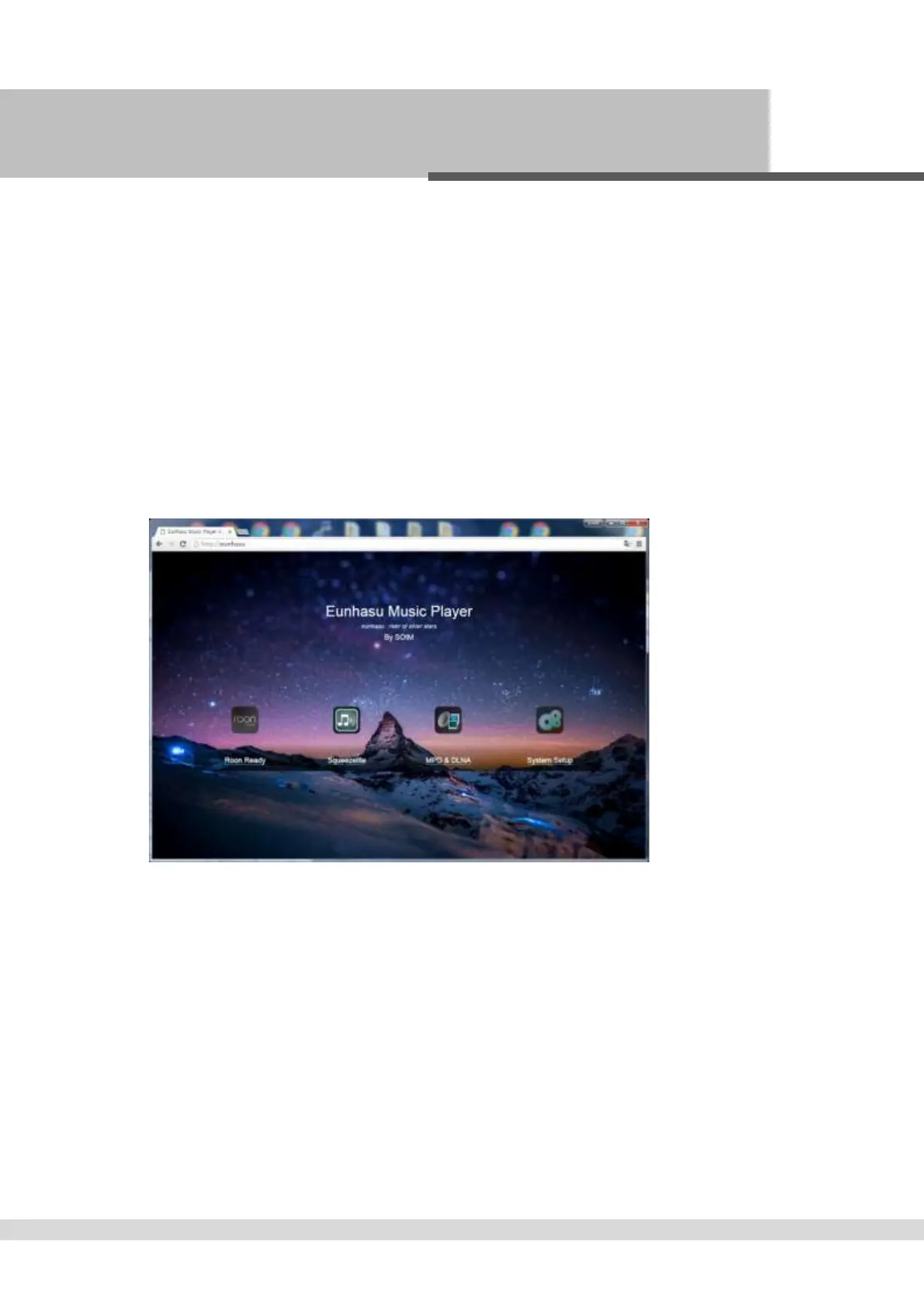
정상적으로 Eunhasu Web GUI에 연결되면 아래와 같은 처음 화면이 표시 됩니다.
Open the web browser on a PC or smart device and connect to “http://eunhasu” (without quotation marks).
On MAC OSX, connect to “http://eunhasu.local” (without quotation marks).
If either of above paths would not make connection to Eunhasu Web GUI, check the router setup to find out the IP address of
sMS-200. And then enter sMS-200 IP address (“http://xxx.xxx.xxx.xxx”) directly on the browser to connect to Eunhasu Web GUI.
If you still couldn’t access the Eunhasu Web GUI, you will need to check network status or power connection is okay.
If you connect to Eunhasu Web GUI successfully, you will see the home screen as like the image below.



 To Next Page