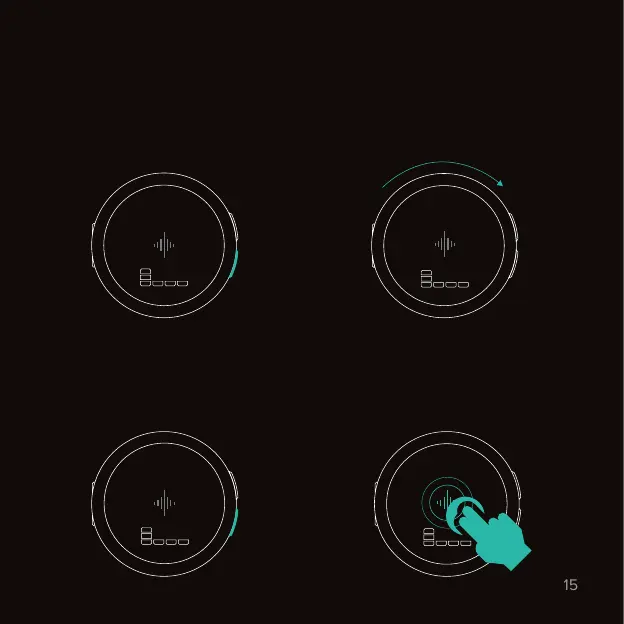
Setting up a rhythm.
Vibrating metronome
1. Press the bottom button to select
the first value.
2. While selected, use the wheel
to change the value. Remember to
turn the wheel slowly.
3. Press the bottom button again to
edit the next value. Press the top
button to go back.
4. Tap the soundwave twice quickly
to start or pause the metronome.
2 taps
60
q
4
4
90
q
4
4
60
q
8
4
90
q
4
4



 To Next Page