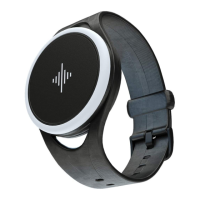
Because we know every musician
is dierent, you can customize
the Core to your own liking with
our app.
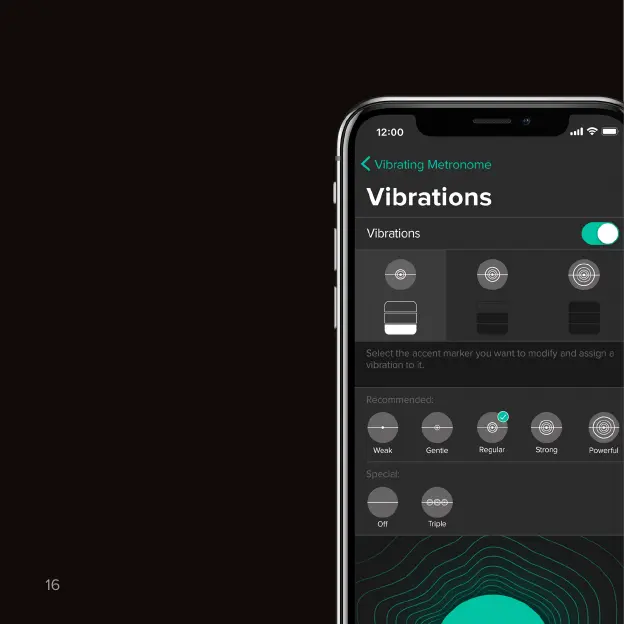
To customize or turn o the lights
and vibrations, open our mobile
app and go to Settings → Tap on
your device → Metronome → Lights/
Vibrations.
We recommend to experiment with
dierent vibration intensities and
durations to find out what works
best for you!
To customize or turn o the metro-
nome sounds, open our mobile app
and go to Settings → App Settings →
Sounds.
Lights & vibrations
Sounds
Change lights, vibrations & sounds.
Vibrating metronome



 To Next Page