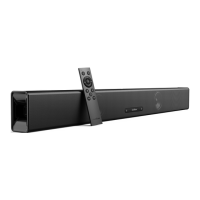
2. Press the source input button on the soundbar or remote control to activate optical,
coaxial or Aux mode. The status indicator will be solid green in optical mode, orange
in coaxial mode and cyan in Aux mode.
Note: The status indicator light will stay on for 10 seconds.
Note: Follow your device's user manual if you want to connect the soundbar to your
other devices (such as Blu-ray player, game console, tablet, MP3 Player /
laptop...etc)..
Note: 3.5mm to 3.5mm cable is not included.
c. Bluetooth mode
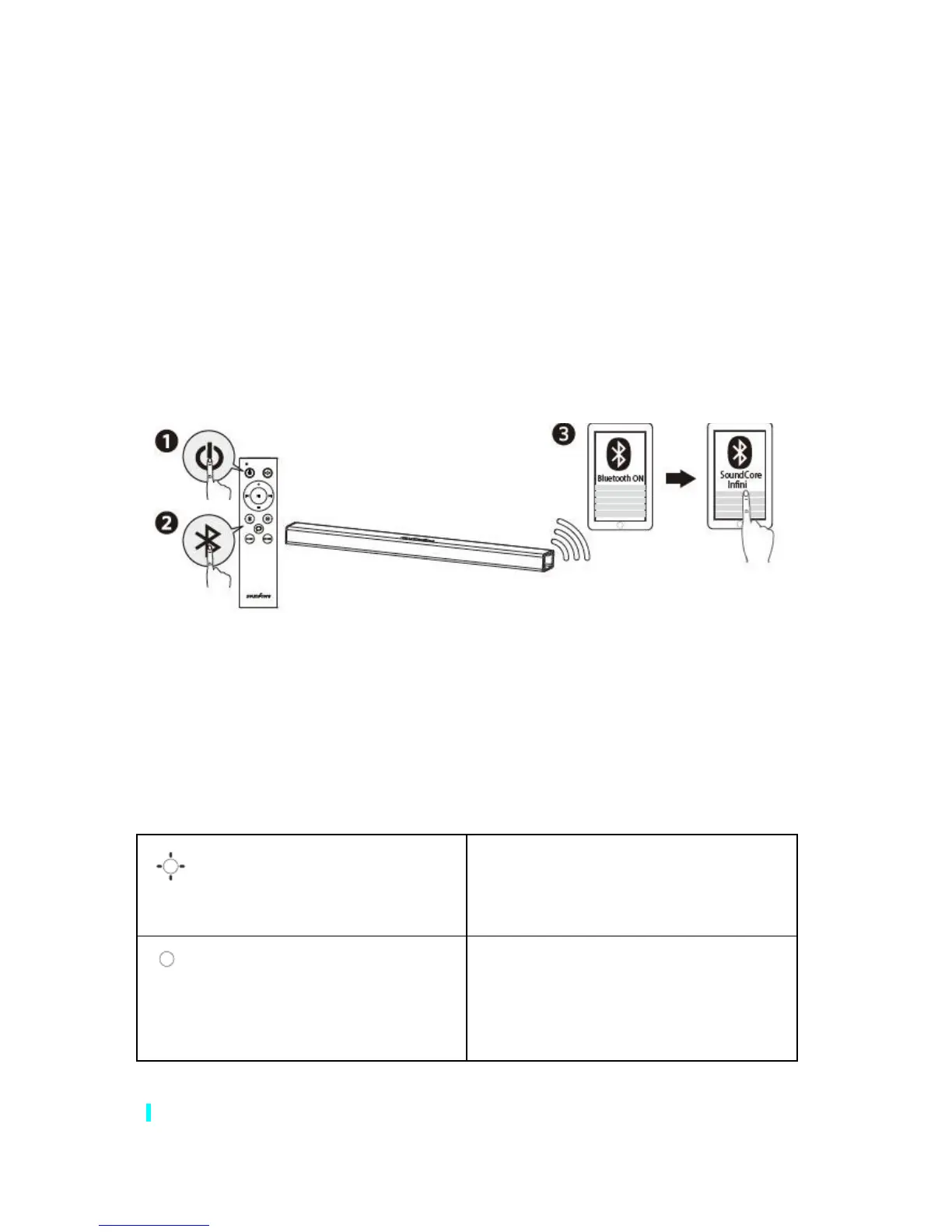
1. Press power button on the remote control to switch on the soundbar.
2. Press the Bluetooth button on the remote control to activate Bluetooth pairing mode.
3. Turn on the Bluetooth of your device, search for Soundcore Infini on your Bluetooth
list then select connect.
4.








 To Next Page