EN 02
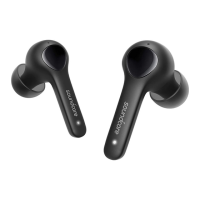
• To manually power on, press and hold the multi-function button on both earbuds for 1
second until the LED indicator turns white for 1 second.
• To manually power off, press and hold the multi-function button on either earbud for 8
seconds until the LED indicator turns red for 1 second.
Pairing
True Wireless Stereo Connection
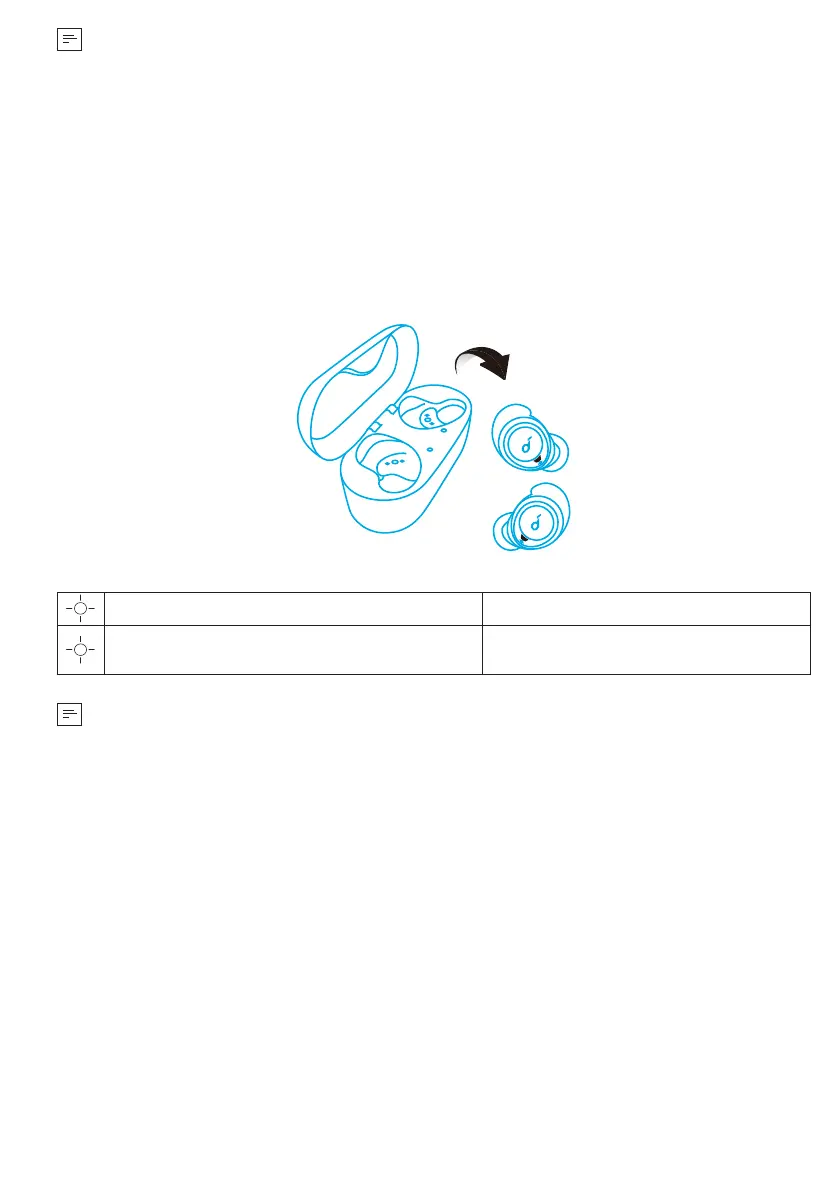
The right earbud will automatically connect with the left earbud when taken out of
the charging case.
LED indicator (Earbuds)
Slowly ashing white TWS connecting
Rapidly ashing white (Primary earbud)
Slowly ashing white (Secondary earbud)
TWS connected
• The right earbud is the primary earbud by default. In TWS mode, place either
one of the earbuds into the charging case, the other one will switch to be the
primary earbud.
• When powered on and connected, if either one of the earbuds is out of battery
and powered off, you can keep using the other one.
Bluetooth Pairing with your Device
1. Take the earbuds out of the charging case or manually power on the earbuds, the
earbuds enter the Bluetooth pairing mode successfully when the LED indicator on
either earbud ashes white.
2. Turn on Bluetooth on your device and click “Soundcore Life Dot 2”. The LED
indicator on either earbud will turn white for 1 second when Bluetooth connected.



 To Next Page