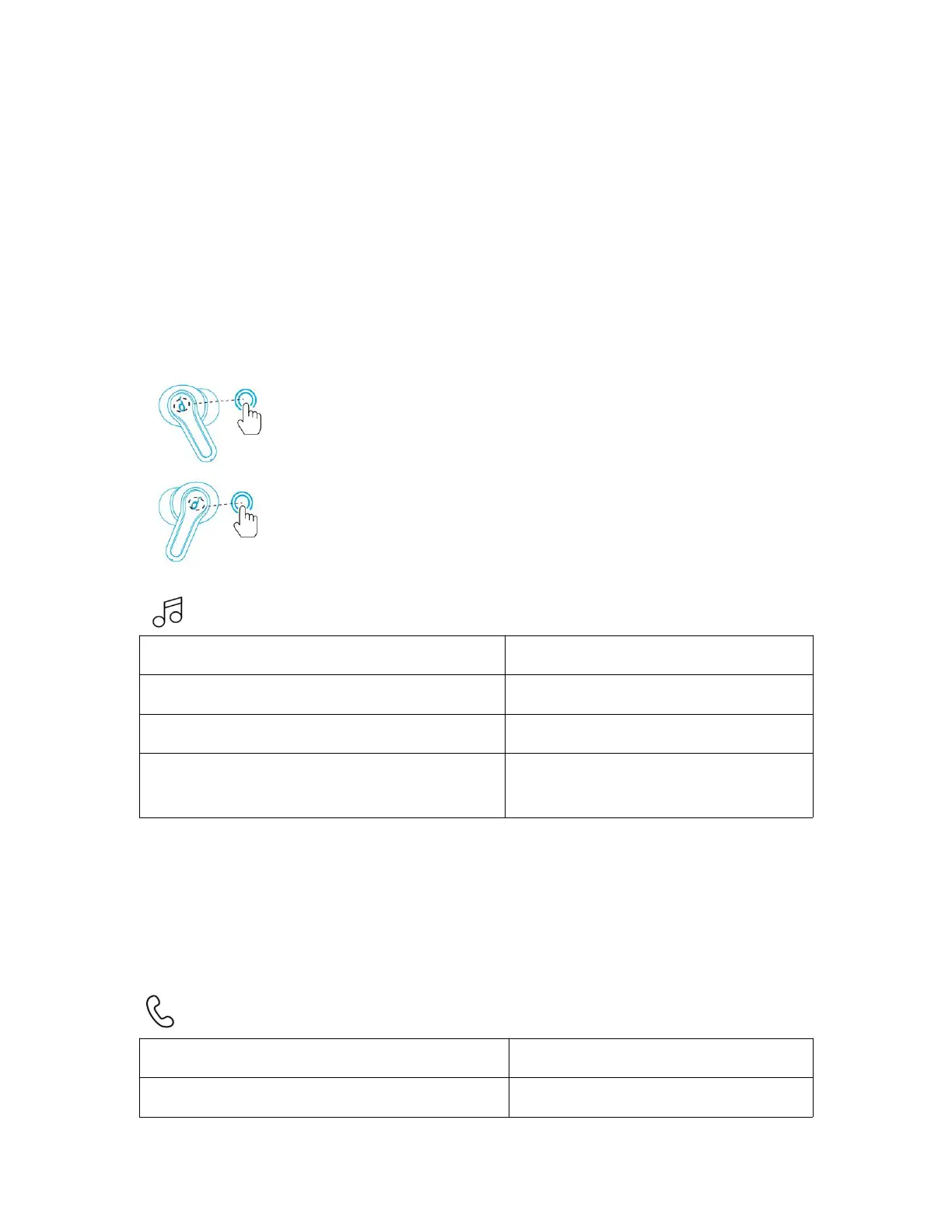
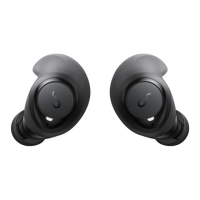
• When powered on and connected, if either one of the earbuds is out of battery
and powered off, you can keep using the other one.
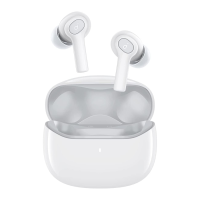
• When you are on a call, place either one of the earbuds into the charging case,
and the microphone in the other earbud will be activated.
Controls
Stereo Mode
Press and hold for 2 seconds (R)
Press and hold for 2 seconds (L)
Switch EQ in sequence:
Soundcore Signature (Default) /
Bass Booster / Podcast
Quickly tap the touchpad on the right earbud three times to cycle through
Soundcore Signature (default), Bass Booster, and Podcast modes. You will hear
a tone for each successful switch.
• Soundcore Signature: Default EQ mode with well-balanced sound.
• Bass Booster: Enhances low-frequency sound.
• Podcast: Focus on mid-frequency for clearer voices.
Press and hold for 2 seconds (R/L)



 To Next Page