EasyManua.ls Logo

Soundcore Mini 3 Pro - At a Glance; Charging

Soundcore Mini 3 Pro
128 pages
Print Icon
To Next Page IconTo Next Page
To Previous Page IconTo Previous Page
Loading...
01 EN
At a Glance
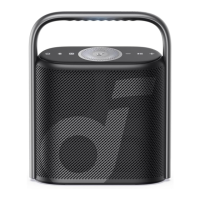
Mini 3 Pro
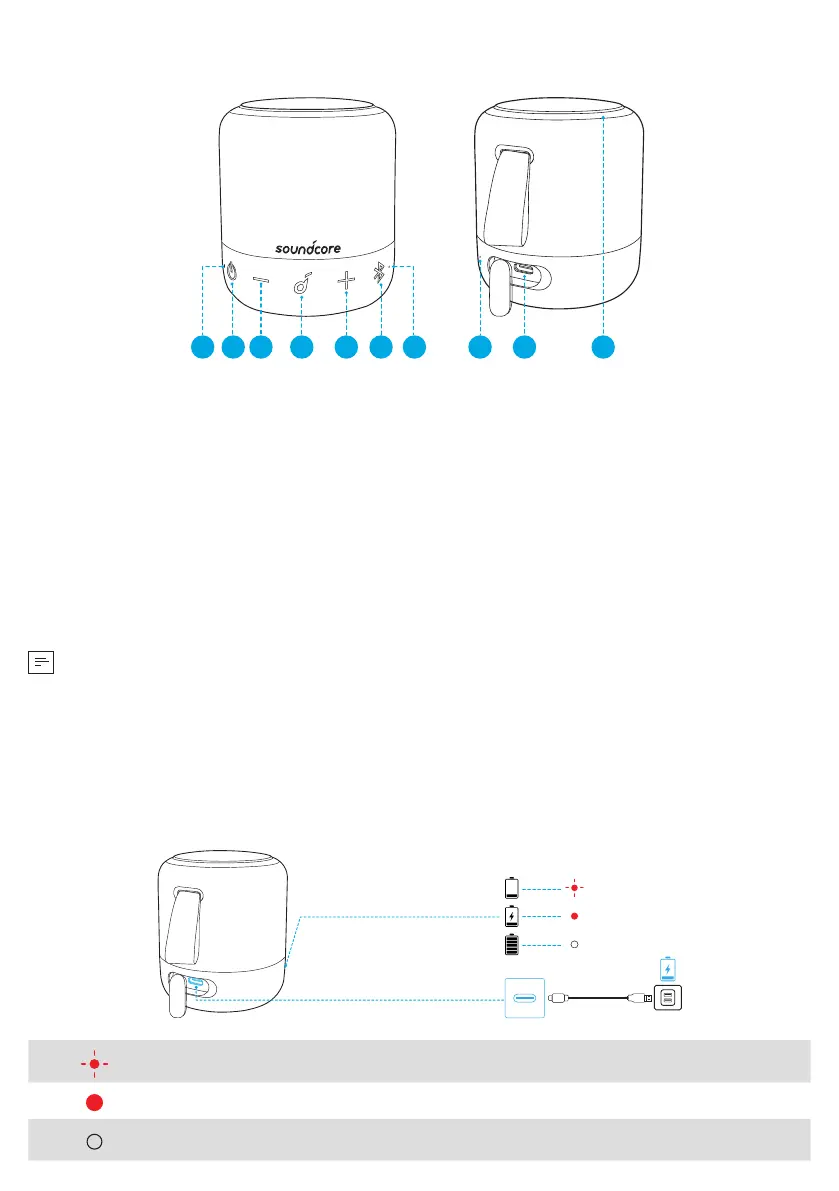
21 3 4 5 6 7 8 9 10
①
Power LED
②
Power button
③
Volume down button
④
Multi-function button
⑤
Volume up button
⑥
Bluetooth button
⑦
Bluetooth/PartyCast LED
⑧
Microphone
⑨
USB-C charging port
⑩
LED ring light
Charging
• Use a certified USB-C cable and charger to prevent any damage.
• Fully dry off the USB port before charging.
• Fully charge this speaker before the first use to prolong the lifespan of the built-in
battery.
• Disconnect this speaker from the charger when fully charged. Do not charge for
extended periods.
1.8ft
Mini 3 Pro
Flashing red Low battery
Steady red Being charged
Steady white Fully charged