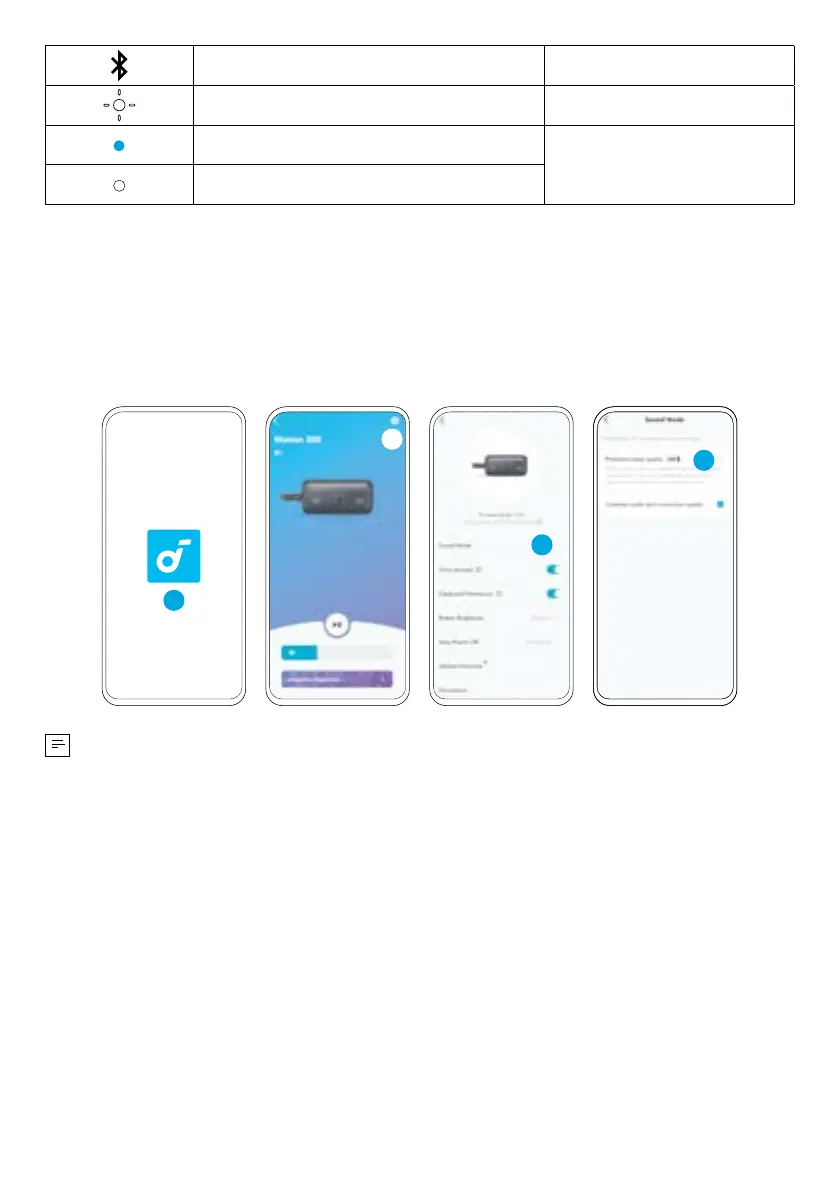
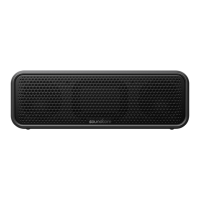
Press and Hold for 2 Seconds Enter / Exit TWS Mode
Flashing White TWS Pairing
Steady Blue (Speaker 1)
TWS Connected
Steady White (Speaker 2)
LDAC
Use devices powered by Android 8.0 or later to experience LDAC quality sound.
In the soundcore app, tap the Settings icon > "Sound Mode" > "Preferred audio
quality".
1
2
3
4
• It takes about 10 seconds to switch audio codecs. You may be requested to
update the speaker's firmware if available.
• LDAC provides higher quality sound, increases power consumption, and
reduces playtime.
• Enable LDAC in a low-interference environment to ensure a stable Bluetooth
connection.
Button Controls

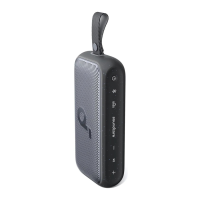

 To Next Page