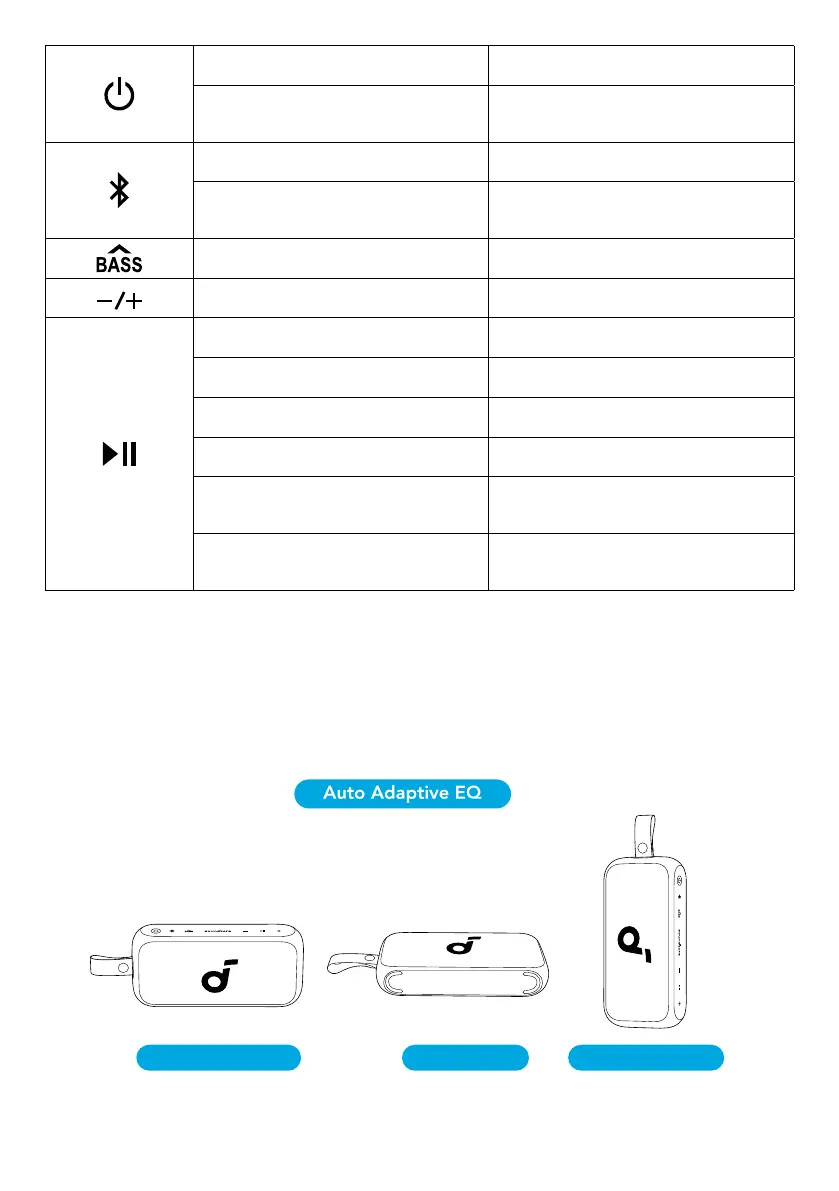
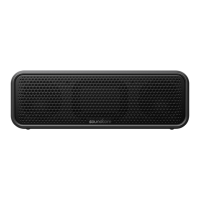
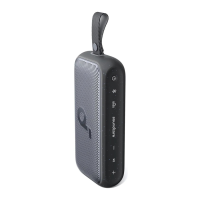
Press Power On
Press and Hold for 2 Seconds Power Off
Press Enter Bluetooth Pairing Mode
Press and Hold for 2 Seconds Enter / Exit TWS Pairing Mode
Press Turn BassUp On / Off
Press Volume Up / Down
Press Play / Pause
Press Twice Next Track
Press Three Times Previous Track
Press Answer / End a Call
Press and Hold for 2 Seconds Reject a Call
Press and Hold for 2 Seconds Activate Voice Assistant Software
Auto Adaptive EQ
This speaker can automatically adjust the EQ in response to different placements.
• Vertical: Immersive Mode
• Horizontal: 360° Mode
• Handheld Vertical: Dynamic Mode
Immersive Mode 360° Mode Dynamic Mode
soundcore App


 To Next Page