05 EN
TWS (True Wireless Stereo) Mode
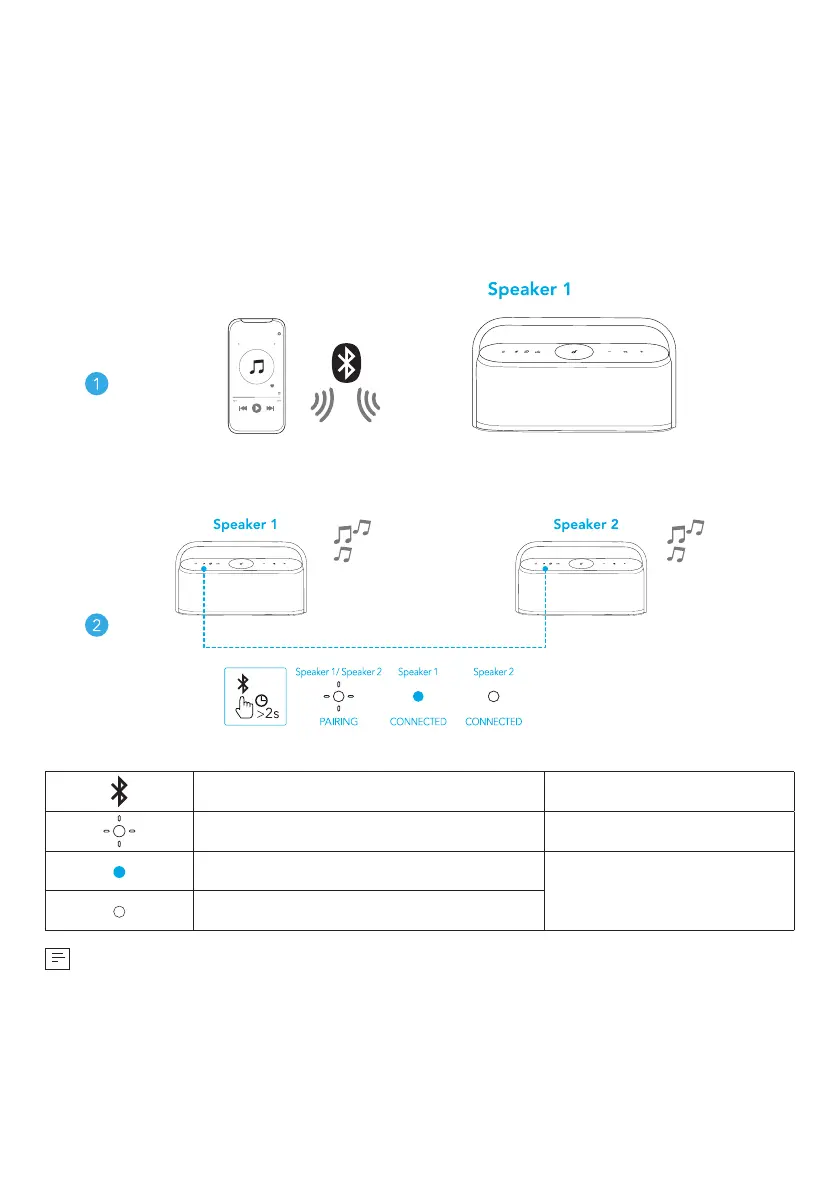
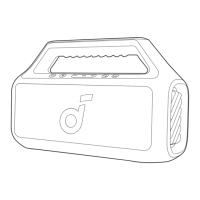
Two identical Motion X600 speakers can pair with each other for stereo sound.
Both speakers can play the same audio (one as the left channel and the other as
the right channel).
1. Connect either speaker with your Bluetooth device.
2. On both speakers, press and hold the Bluetooth button for at least 2 seconds
to enter TWS pairing mode.
Press and hold for at least 2 seconds Enter TWS pairing mode
Flashing white TWS pairing
Steady blue (Speaker 1)
TWS connected
Steady white (Speaker 2)
To exit TWS mode, press and hold the Bluetooth button for at least 2 seconds.








 To Next Page