05 EN
Soundcore App
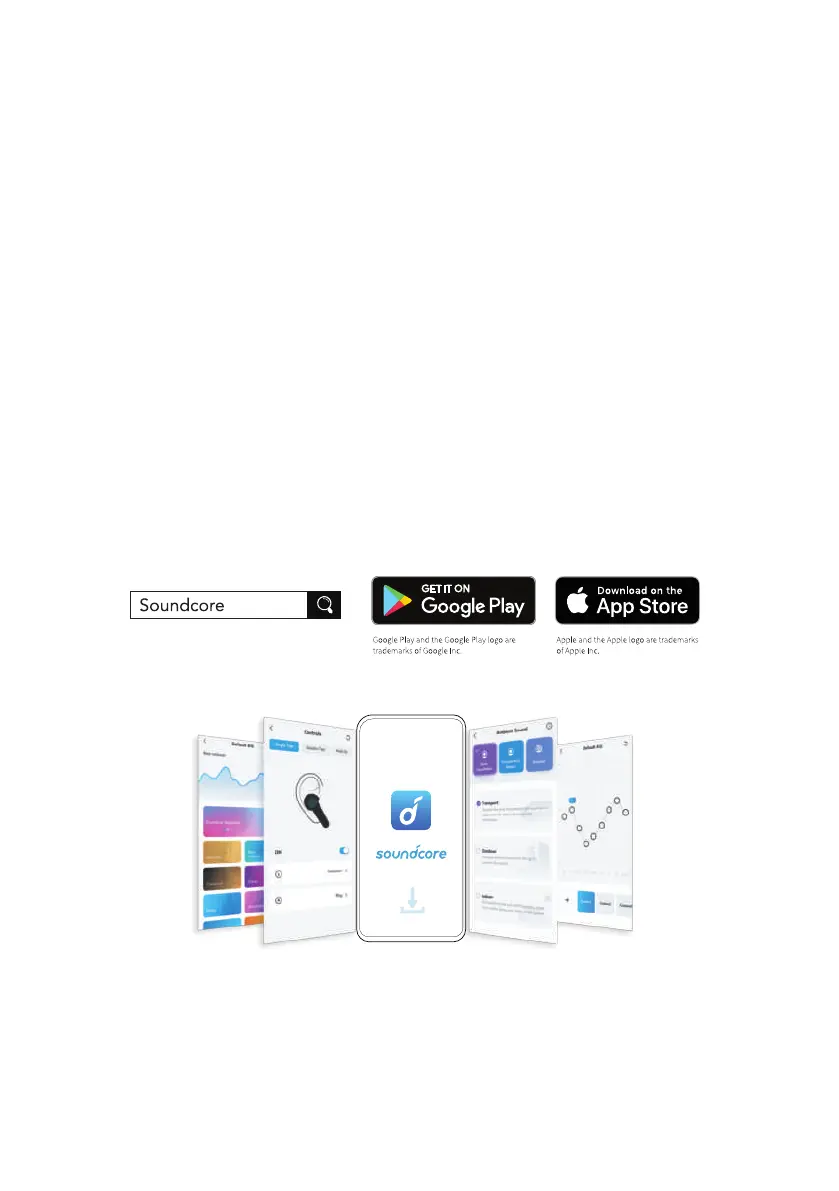
Download the Soundcore app to enhance your experience.
User interface customization: In stereo mode, all of the controls (e.g. adjust
volume, control playback, activate Siri) can be customized in the app.
EQ settings: There are more than 20 EQ settings you can choose from in the app
to optimize your experience while enjoying different music genres.
Noise cancellation: Choose an active noise cancellation mode to reduce ambient
noise according to your surroundings.
• Transport: Targets low-end frequencies like engine and road noise for peaceful
journeys and commutes.
• Outdoor: Reduces ambient sounds in cities for less distractions.
• Indoor: Reduces voices and mid-frequency noise from coffee shops and other
inside spaces.
Earbuds firmware upgrade: You will be informed once the new version of firmware
is detected when you connect the earbuds with the app. Ensure the earbuds are
placed in the charging case and the case remains open until the firmware upgrade
is completed. During the upgrade, ensure the earbuds are being charged and
avoid any operation.
Reset
• You might need to reset the earbuds if you experience any connectivity
problems or function issues.
1. Place the earbuds in the charging case and leave the case open.




 To Next Page