EasyManua.ls Logo

SoundFreaq SFQ-10 - User Manual

SoundFreaq SFQ-10
17 pages
Print Icon
To Next Page IconTo Next Page
Loading...
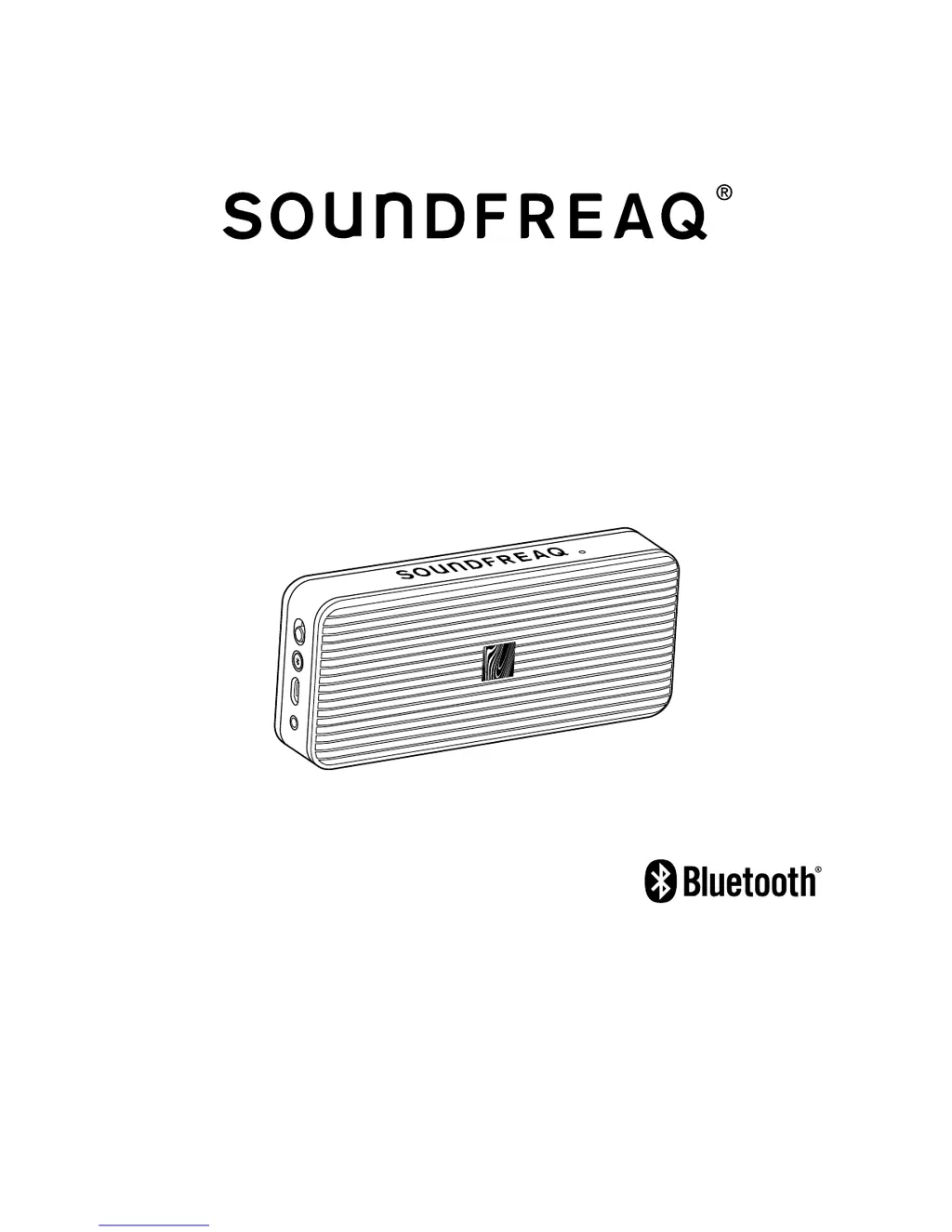
Pocket Kick
SFQ-10
User Manual

Questions and Answers

  • T
    Tyler PayneJul 27, 2025
    How to fix SoundFreaq SFQ-10 Speakers when power does not come on?
    • G
      Gavin NicholsJul 27, 2025
      If your SoundFreaq Speakers power does not come on, and you are using the battery pack, the battery power may be too low. Charge the battery.
  • C
    Cheryl CunninghamAug 1, 2025
    What to do if there is no sound output from SoundFreaq SFQ-10?
    • W
      Wesley MeyerAug 1, 2025
      If you experience no sound output from your SoundFreaq Speakers, there are a few things to check: * Ensure that the volume level on the system and your Bluetooth device are not set to the minimum or muted. * If using an audio cable, disconnect it from the AUX IN jack of the system. * If in AUX IN mode, verify that your external device is not set to the minimum or muted.
  • L
    Laura WilliamsAug 6, 2025
    Why do my SoundFreaq Speakers power off automatically?
    • J
      johnsonwilliamAug 6, 2025
      If your SoundFreaq Speakers system powers off automatically, it might be entering energy-saving mode. To resolve this, simply turn the system on again and play back an audio source. Alternatively, the built-in battery may be exhausted. In this case, connect a USB power cable to a USB power outlet to charge the battery.
  • A
    Amy MurphyAug 11, 2025
    How to fix low voice during hands-free calling on SoundFreaq Speakers?
    • J
      Justin Roberts DDSAug 11, 2025
      If you're experiencing no voice or low voice from the caller while using hands-free calling on your SoundFreaq Speakers, ensure that the system is powered on. Also, increase the volume of both your connected mobile phone and the speaker system.
  • W
    waltermosesAug 16, 2025
    What to do if Bluetooth connection on SoundFreaq SFQ-10 Speakers cannot be restored automatically?
    • K
      kingadamAug 16, 2025
      If your SoundFreaq Speakers Bluetooth connection cannot be restored automatically after the system has been powered off and on during Bluetooth playback, you will need to manually re-establish the connection.
  • M
    Mrs. Paula Rodriguez DDSAug 21, 2025
    What to do if Bluetooth connection cannot be established on SoundFreaq Speakers?
    • C
      Cathy PhamAug 21, 2025
      If you're unable to establish a Bluetooth connection with your SoundFreaq Speakers for the first time, power off your device, then power it back on. This will clear the device name, allowing you to attempt the Bluetooth connection again.

Summary

Safety Information

Important Safety Instructions

A list of essential precautions for safe operation and maintenance of the device.

Regulatory Compliance

FCC Information

Details on compliance with FCC rules, including conditions for operation and interference.

Canada IC Statements

Information regarding compliance with Industry Canada license-exempt RSS standards.

FCC&IC Radiation Exposure Statement

Compliance with FCC and IC radiation exposure limits for uncontrolled environments.

Getting Started

Charging the Built-in Battery

Procedure for connecting the USB power cable to charge the system's internal rechargeable battery.

Basic Operation

Selecting the Sound Source

Playing back via Bluetooth

Establishing a Bluetooth Connection

Step-by-step guide to pair the system with a Bluetooth-enabled device for audio playback.

Playing back from External Source

Using Hands-free Calling

Troubleshooting

Technical Specifications

SoundFreaq SFQ-10 Specifications

General IconGeneral
BrandSoundFreaq
ModelSFQ-10
CategorySpeakers
LanguageEnglish

Related product manuals