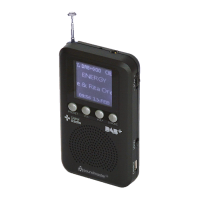
DAB170 / English Instruction Manual
5
FACTORY RESET
1. Press and hold the “SCAN” Scrolling Wheel button to enter the menu and
select “Reset” and press the “SCAN” Scrolling Wheel button to confirm.
2. Press the “SCAN” Scrolling Wheel button again to confirm and restore the
factory setting.
KEY LOCK FUNCTION
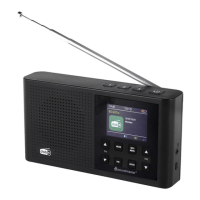
1. The Key Lock switch is located at the right side of the radio. When the Key
Lock switch is set to ”LOCK” position all buttons will be disabled. The Display
will show a “lock icon” on the top of it.
2. To switch off the Key Lock function, switch the Key Lock switch to off position.
The Key Lock function will be disabled and the “lock icon” will be disappeared.
TECHNICAL SPECIFICATION
IMPORTER
Wörlein GmbH Tel.: +49 9103 71 67 0
Gewerbestrasse 12 Fax.: +49 9103 71 67 12
D 90556 Cadolzburg Email: service@woerlein.com
Germany Web: www.woerlein.com
Technische Änderungen und Druckfehler vorbehalten
Copyright by Woerlein GmbH, 90556 Cadolzburg, www.woerlein.com
Vervielfältigung nur mit ausdrücklicher Genehmigung der Woerlein GmbH


 To Next Page