EasyManua.ls Logo

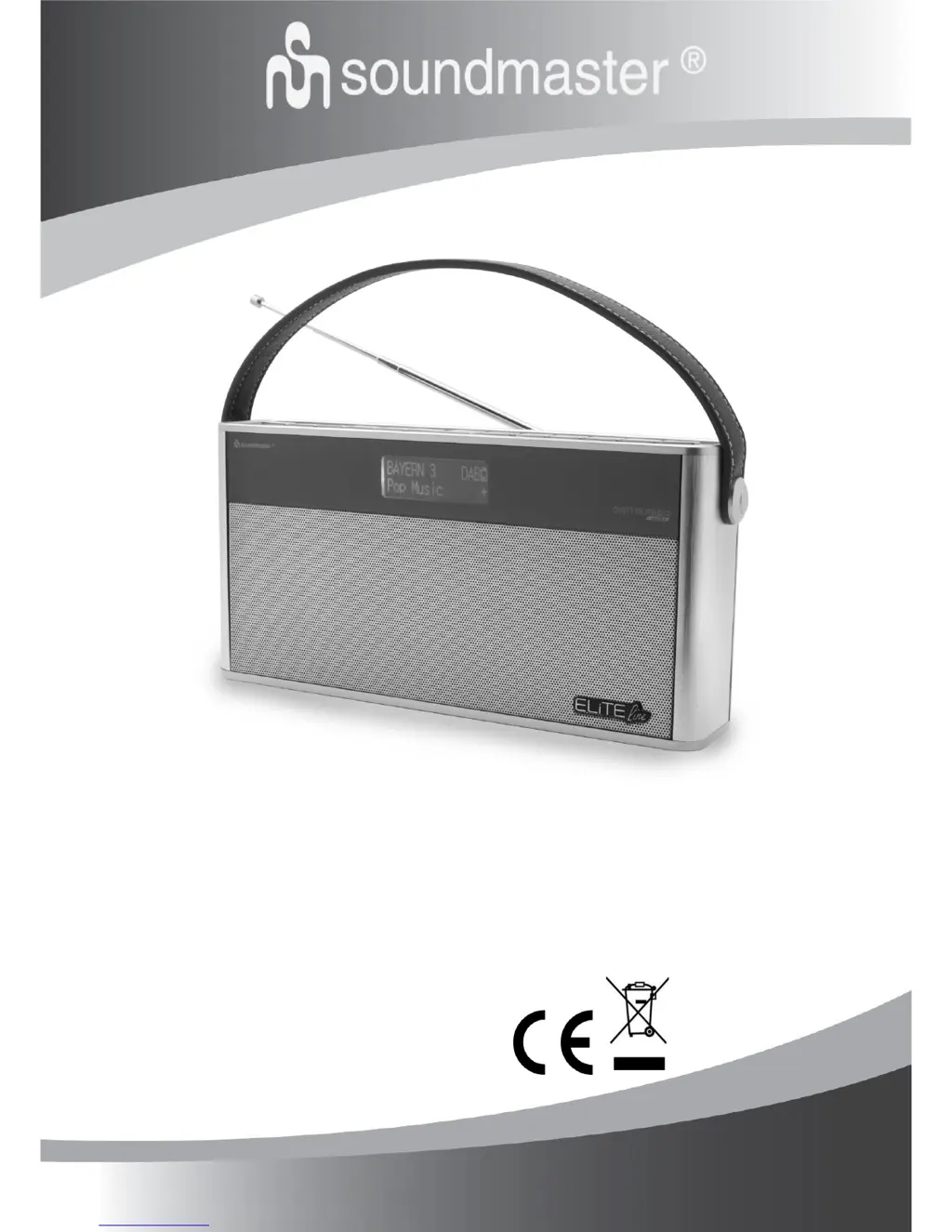
SOUNDMASTER DAB750 - User Manual

SOUNDMASTER DAB750
8 pages
Print Icon
To Next Page IconTo Next Page
Loading...
DEUTSCH
NORSK
ENGLISH
SVENSKA
FRANÇAIS
DANSK
NEDERLANDS
ČEŠTINA
ITALANIO
DAB750
Hersteller
Wörlein GmbH Tel.: +49 9103/71670
Gewerbestrasse 12 Fax.: +49 9103/716712
D 90556 Cadolzburg Email. info@woerlein.com
GERMANY Web: www.woerlein.com

Other manuals for SOUNDMASTER DAB750

Questions and Answers

  • C
    christophercarsonAug 6, 2025
    What to do if my SOUNDMASTER DAB750 has no sound?
    • A
      aparkerAug 6, 2025
      If you are not getting any sound from your SOUNDMASTER Radio, try adjusting the volume. If that doesn't work, perform a factory reset. Also, if the charging LED indicator is flashing, allow 10-20 minutes for recharge; the sound should return to normal once the indicator goes steady.
  • B
    Bruce HamiltonAug 11, 2025
    Why is my SOUNDMASTER DAB750 Radio DAB/FM reception so poor?
    • K
      Kimberly DavisAug 11, 2025
      If your SOUNDMASTER Radio has poor DAB/FM reception, electrical interference in your home might be the cause. To improve reception, fully extend the antenna and move the unit away from sources of electrical interference, especially devices with motors and transformers.
  • W
    wrightjacquelineAug 15, 2025
    What to do if my SOUNDMASTER DAB750 Radio is not responding?
    • M
      millermichelleAug 15, 2025
      If your SOUNDMASTER Radio is unresponsive, try sliding the power switch to the OFF position. If that doesn't work, disconnect and reconnect the AC power plug, then turn the unit on again.
  • C
    Caitlyn MontgomeryAug 19, 2025
    What to do if my SOUNDMASTER Radio has no power?
    • M
      Michael SheppardAug 19, 2025
      If your SOUNDMASTER Radio has no power, make sure the power switch is in the ON position, the power plug is properly connected, and there is power at the AC Mains. Also, ensure the batteries are fully charged. If a 'Battery' icon appears empty on the screen, use the included 9V adapter to charge the unit or use AC power.
  • T
    Tyler OwensAug 23, 2025
    Why is there no sound coming from my SOUNDMASTER DAB750 Radio?
    • B
      Bradley McgeeAug 25, 2025
      If there is no sound from your SOUNDMASTER Radio, first adjust the volume. If that doesn't work, try performing a factory reset. If the charging LED indicator is flashing, it may take 10-20 minutes for the unit to recharge. The speaker sound should return to normal after the indicator goes steady.
  • H
    hpooleAug 28, 2025
    How to fix poor DAB/FM reception on SOUNDMASTER DAB750 Radio?
    • V
      Victoria TrevinoAug 28, 2025
      Poor DAB/FM reception on your SOUNDMASTER Radio can be due to electrical interference. Fully extend the antenna and move the unit away from sources of electrical interference, especially devices with motors and transformers.
  • M
    mandybriggsSep 1, 2025
    What to do if SOUNDMASTER DAB750 Radio is not responding?
    • L
      laramarySep 1, 2025
      If your SOUNDMASTER Radio is not responding, slide the power switch to the OFF position. Then, disconnect and reconnect the AC power plug, and turn the unit on again.

Summary

Device Controls and Getting Started

Locations of Controls

Identification and numbering of all buttons and ports on the device.

Power and Audio Settings

Power Control

Details on how to turn the device on, off, and manage power modes.

Radio Operation and Connectivity

Play From Bluetooth-Enable Device

Steps to connect and stream audio from a Bluetooth-enabled device.

Listen to DAB Radio

Guide on how to tune into and scan for DAB radio stations.

Listen to FM Radio

Guide on how to tune into FM radio stations and scan for signals.

Aux In

Instructions for connecting and playing audio from external devices.

Troubleshooting and Specifications

SOUNDMASTER DAB750 Specifications

General IconGeneral
DAB+Yes
FMYes
Internet RadioNo
BluetoothYes
USBYes
Headphone JackYes
DisplayLCD
Power SourceBattery/AC Adapter

Related product manuals