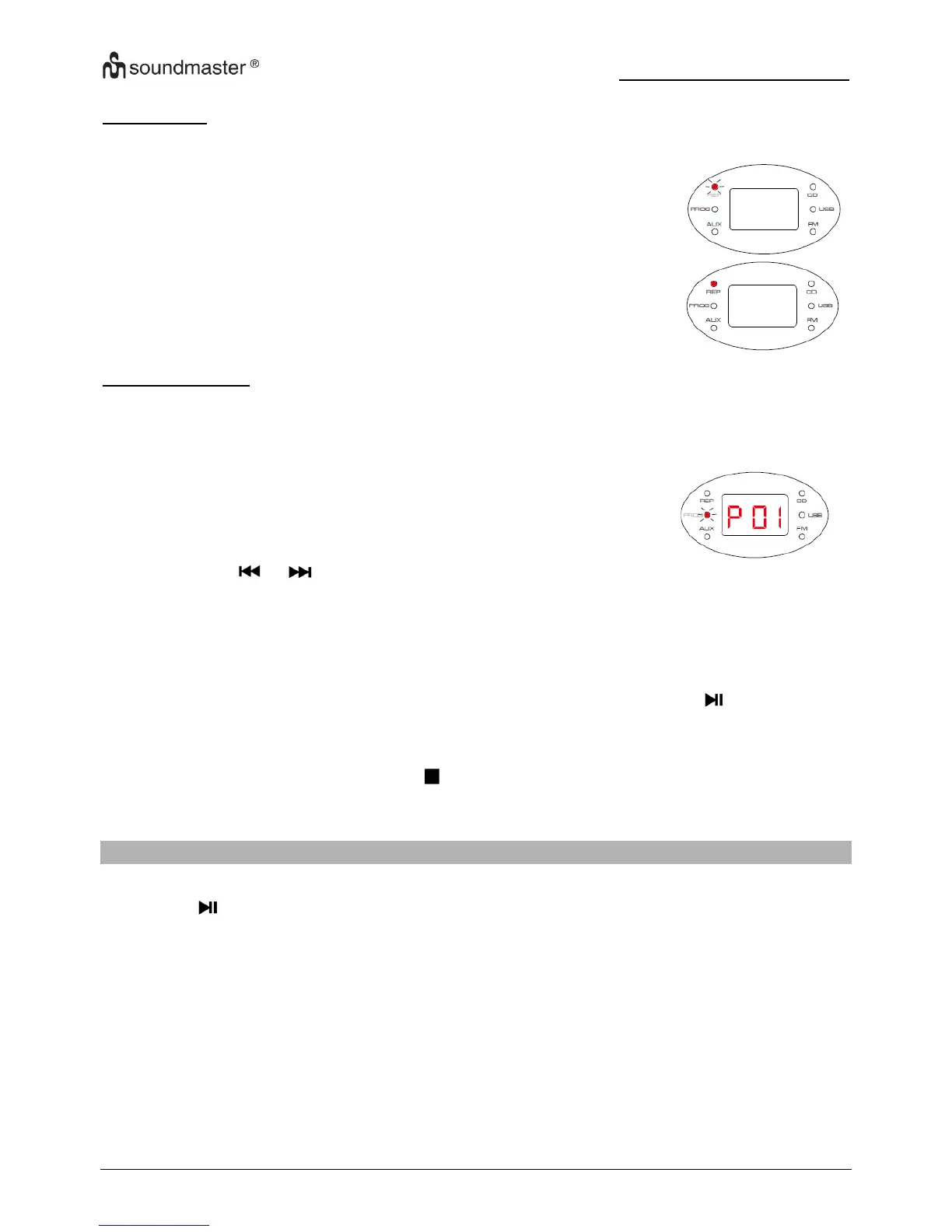
In CD mode, press the “REP” button (3) to cycle through the
options of repeat current track, the REP indicator blinks.
PROGRAM PLAY
For CD disc, you can store a random sequence of up to CD-20 and MP3/WMA- 99 tracks to
play in your preferred order.
To store a program track(s):
In CD Stop mode, press the “PROG” button (4).
Display showing [P01] and “PROG” indicator blinks.
P stand for program and following 2 digits stand for program
number.
Press the or button (5 or 8) to select the track number for the first track you want
to program.
Press the “PROG” button (4) to store this track into the program memory. The track will
be store and the program counter will increase to “P02”.
Repeat the above two steps to store the next and subsequent tracks in your program
sequence.
When you have finished entering all tracks in your program, press the button (9) to
start the program playing.
To clear a program
During program playing, press the button (10) twice.
Open the CD door.
Note: USB program play is same operation.
LISTENING TO AN USB
1. Set the function selector to USB position.
2. Press button (99 to playback the music.
3. The operation procedures are the same as CD playback.
NOTE:
- Compatible storage device (up to 32GB).
- Please do NOT use a USB extension cable to connect your USB flash drive. Such cable can
pick up additional interference which can corrupt the data flow.
- Always connect your USB flash drive directly to the USB port without USB extension cable.
- Due to some USB drive manufacturer’s non-compliance with the full USB 1.1/ 2.0 standard. A
small percentage (about 5%) of USB flash drive might not be compatible












 To Next Page