English
6
Charging
Charging the earbuds
Factory Reset
(Try the following steps if you fail to build connection between two earbuds, or
between earbuds and device)
1. Clear pairing record between the earbuds and all your devices.
2. Place back both earbuds into the charging case and ensure they’re in
charging status. Then long press the touch area of both earbuds for 10s until
the LED light of both earbuds fash white twice. Reset is complete.
The earbuds are partially charged at the factory. Please make sure they are fully
charged before the first use.
1. Put the earbuds into corresponding charging docks, make sure the charging
contactors are match.
2. The LED indicator will turn red when it starts charging.
3. The red LED indicator will turn off when the earbuds are fully charged.
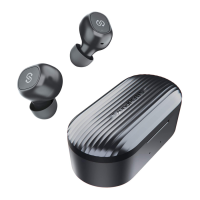
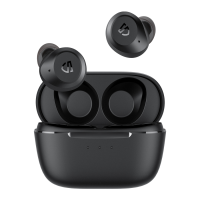
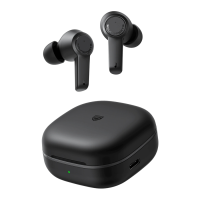
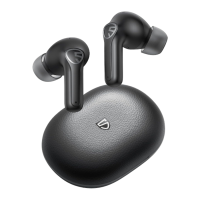
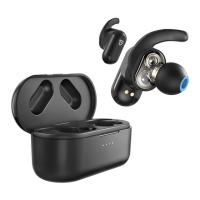
SOUNDPEATS Truengine2 Bluetooth earbuds are equipped with a lightweight
charging case which is not only a charging dock to charge the earbuds, but also a
carrying case. With a built-in rechargeable battery, the charging case can provide
3.5 times full charge for the earbuds (both lef and right).




 To Next Page