Source Technologies, LLC ST9620 Secure MICR Printer User’s Guide
10
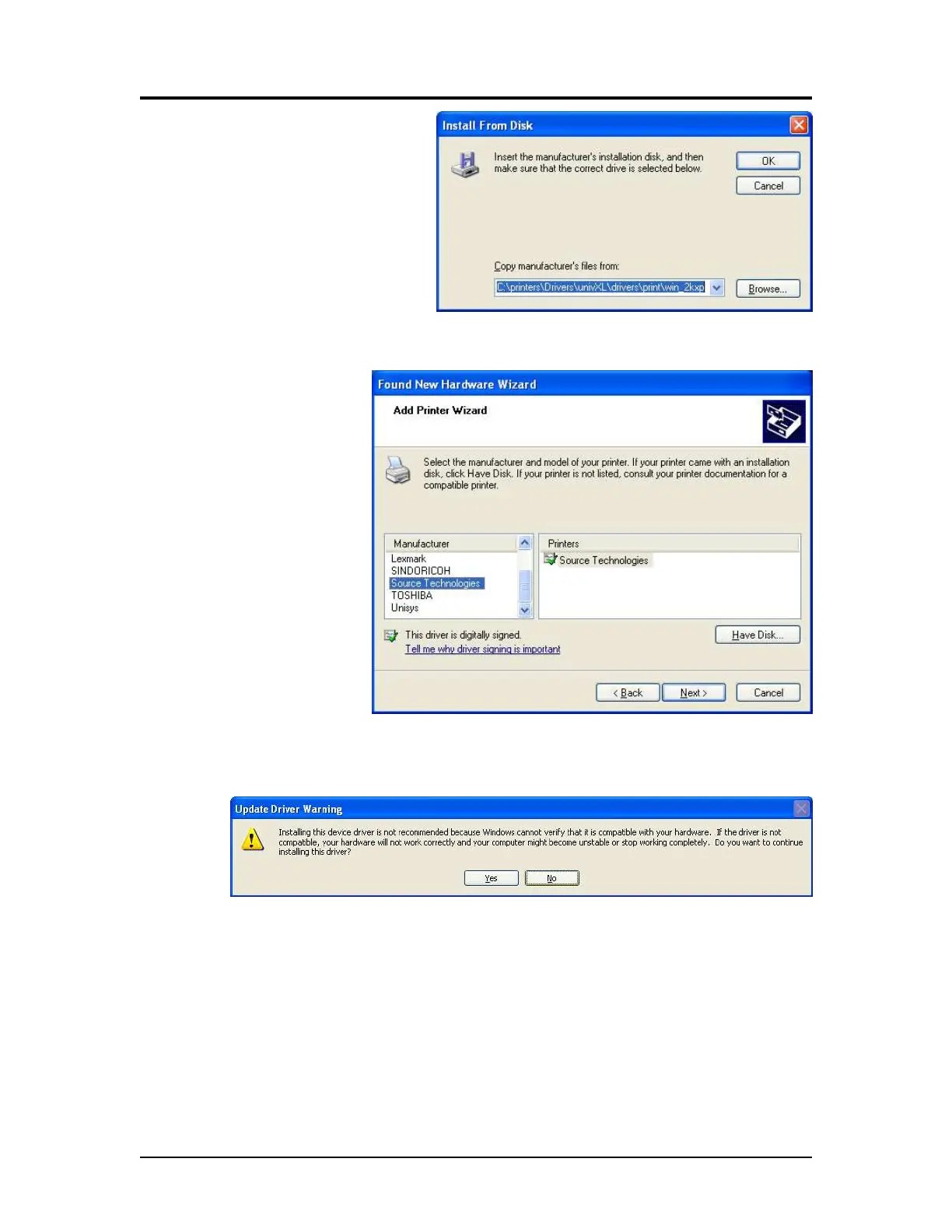
16. Select Browse. Browse
to the driver files on your
disk and then select
Open.
17. Select OK.
18. Select Source
Technologies
from the
Manufacturer list
and then click
Next >.
19. Select Yes to continue.
20. Once the files have copied, select Finish to close the Wizard.
Printer and Driver Installation | 1



 To Next Page