Source Technologies, LLC ST9620 Secure MICR Printer User’s Guide
16
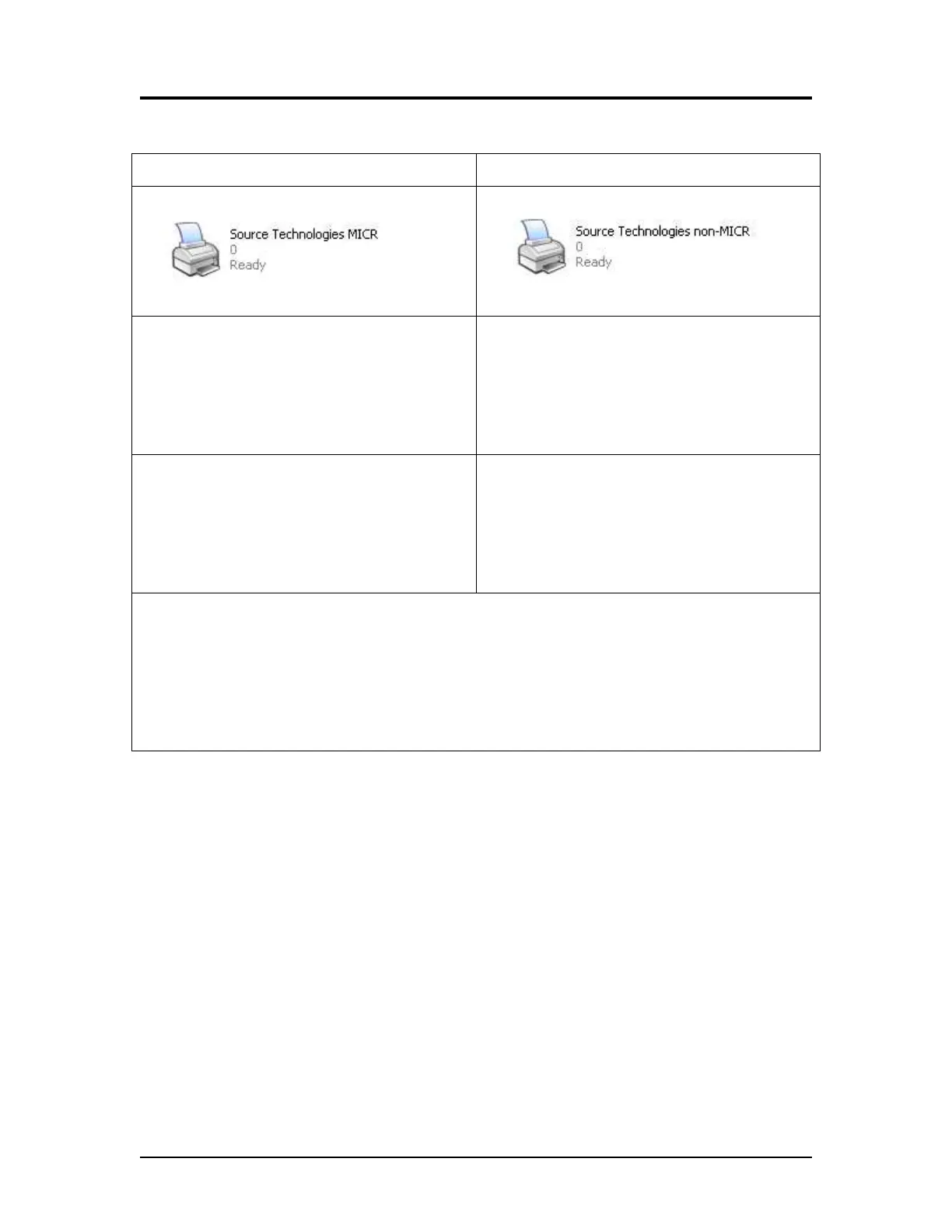
Comparison of printer drivers configured as MICR and non-MICR
CONFIGURED FOR MICR CONFIGURED FOR NON-MICR
MICR_on.sep separator page used
Unlocks Secure Resources (fonts)
Copy Count = 1
Jam Recovery = Off
MICR Toner ONly
DEFAULT MICRJOB=ON
MICR_off.sep separator page used
Locks Secure Resources (fonts)
DEFAULT MICRJOB=OFF
Secure Fonts enabled by 96xxFont.pcm
ICR Secure 12 pt.
MICR CMC7 8 pt.
MICR E13B 8 pt.
MicroPrint 1 pt.
SECURE 36 pt.
No Secure Fonts
Universal Driver Options to set on the driver Install Options tab
Base printer
Automatic duplex
Multipurpose feeder
Flash memory card (optional, if installed)
Tray 2 (optional)
Printer and Driver Installation | 1



 To Next Page