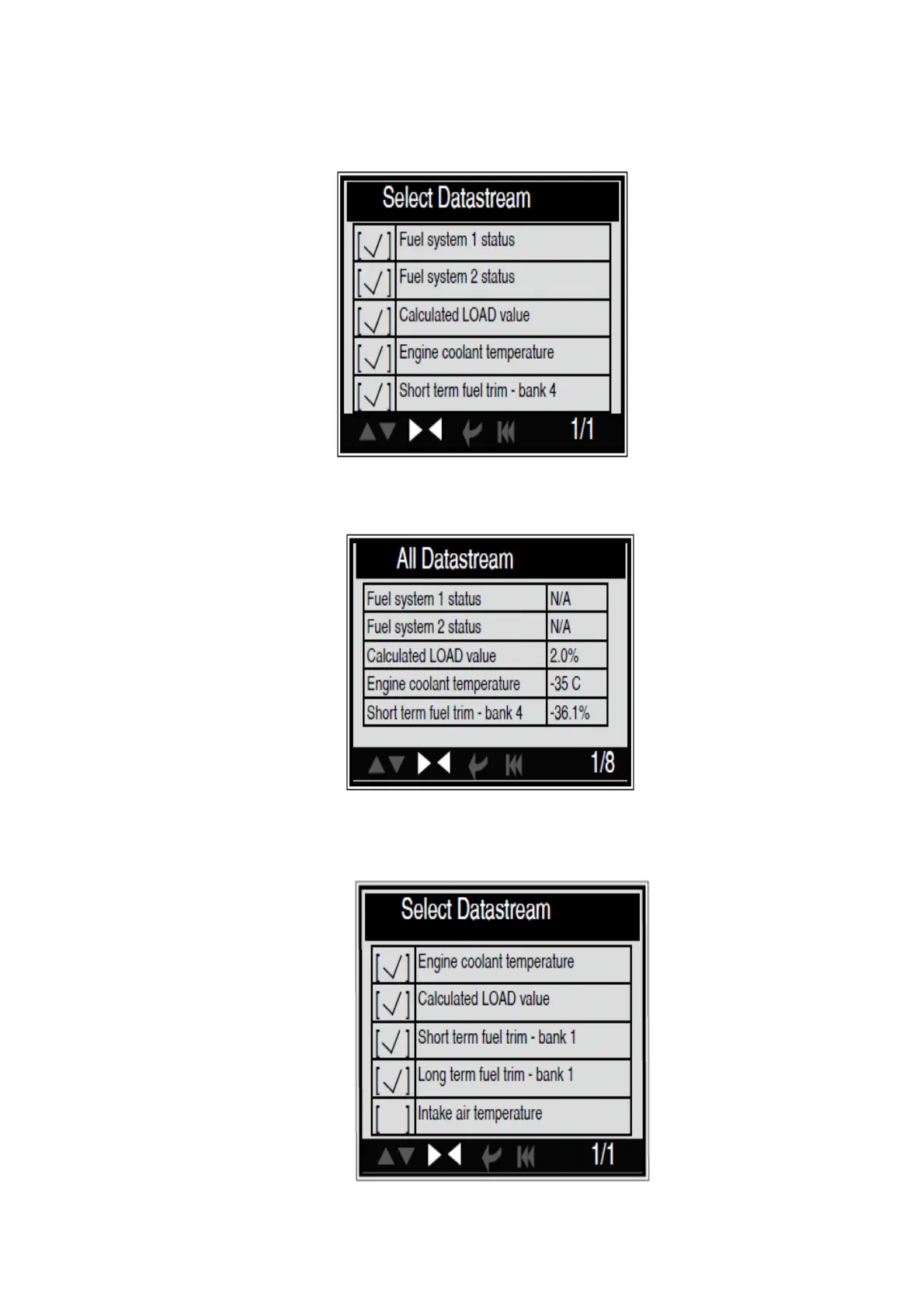
You can use [UP] [DOWN] button to select data stream items, and press [LEFT] [RIGHT]
button to turn page, the screen will display the interface as shown on the next page:
After selected items and press [ESC], the screen will display the interface as shown below:
Press [ESC] to return to Diagnostic Menu. Select [View Graphic Items] in Data stream
menu and press [ENTER], the screen will display the interface as shown below:


 To Next Page