– 24 –
Inverter Air-to-Water Heat Pump
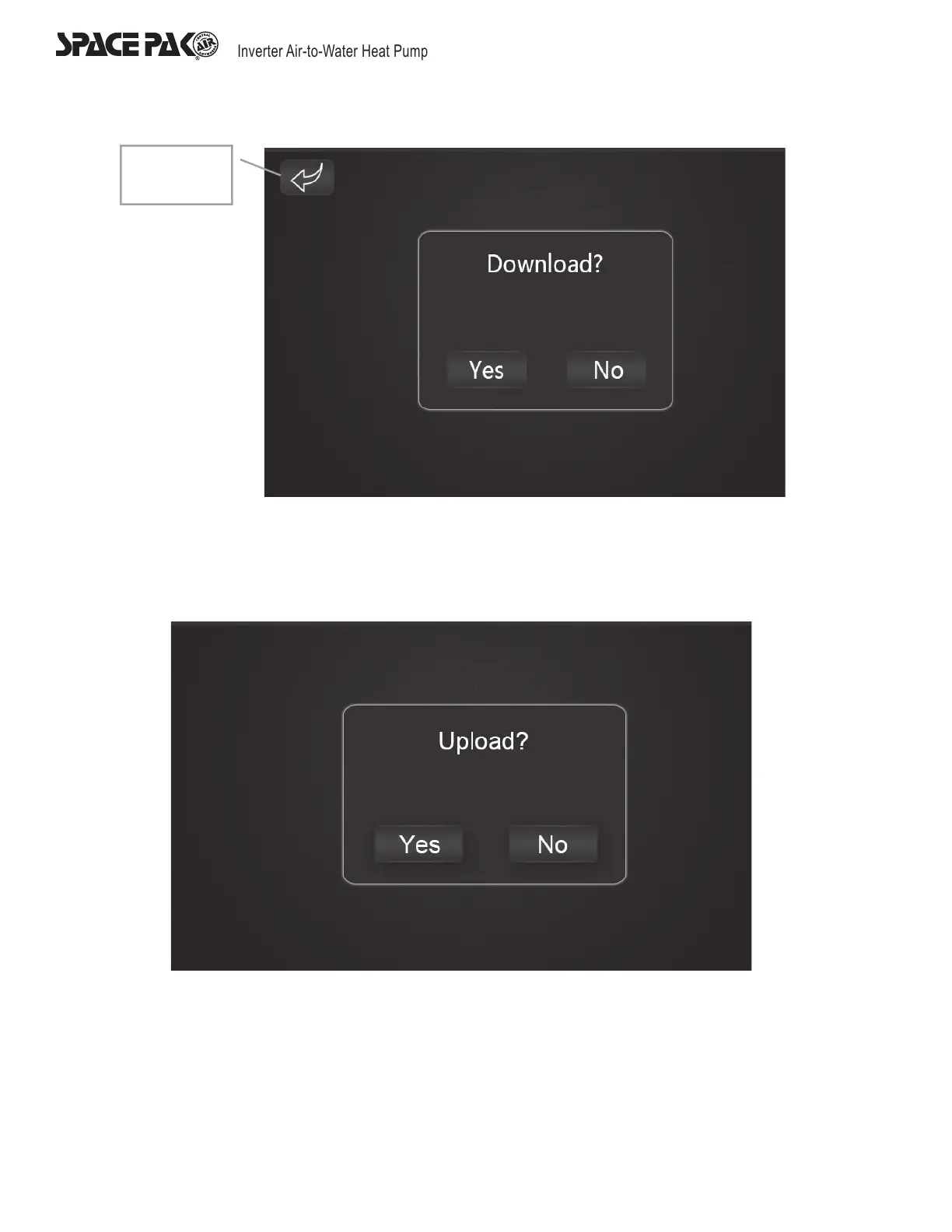
Return
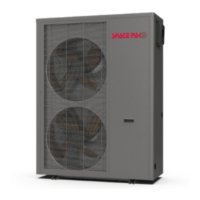
System Parameter Upload
Press ‘YES’ on the display to start the system parameter uploading. During the operation, the control display will read ‘Uploading…’
in a red frame and all the buttons and functions will be disabled until the upload is completed. If the upload is succeed, the display
will read ‘Succeed’ in a frame, if not, the display will read ‘Failed’ in a frame.



 To Next Page