25
EN
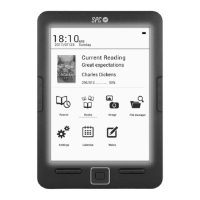
SETTINGS
Select this option to congure the device’s various
parameters such as font, date and time, energy saving
mode options, preferences, language settings, about.
NOTES
This function allows the creation of notes. Press button
(5) to access the sub menu and select the “Save memory”
option to create a new notes le.
CALENDAR
Calendar function.
FB2/TXT/RTF/MOBI/EPUB FORMATS
FB2/ TXT/ RTF/ MOBI/ EPUB are formats used by some
e-readers in order for the content to adapt perfectly to the
reader screens.
These formats do not structure a document as can be
done with a PDF. They automatically adjust the page to
the reader that has to be displayed, irrespective of the
reader type. Apart from this option we can ask the device


 To Next Page