3.
USEFUL TIPS
- To access the main menu when the phone is in standby, press the top left key.
-
To navigate up and down the main menu and different submenus, press the
edges
of the centre key up or down.
- The top left key performs the action shown at the bottom left of the screen.
- The top right key performs the action shown at the bottom right of the screen.
- To confirm a choice, press the appropriate top key.
- To return to the home screen from the display, simply press the hang up key.
.
4.
FIRST STEPS BEFORE TURN IT ON
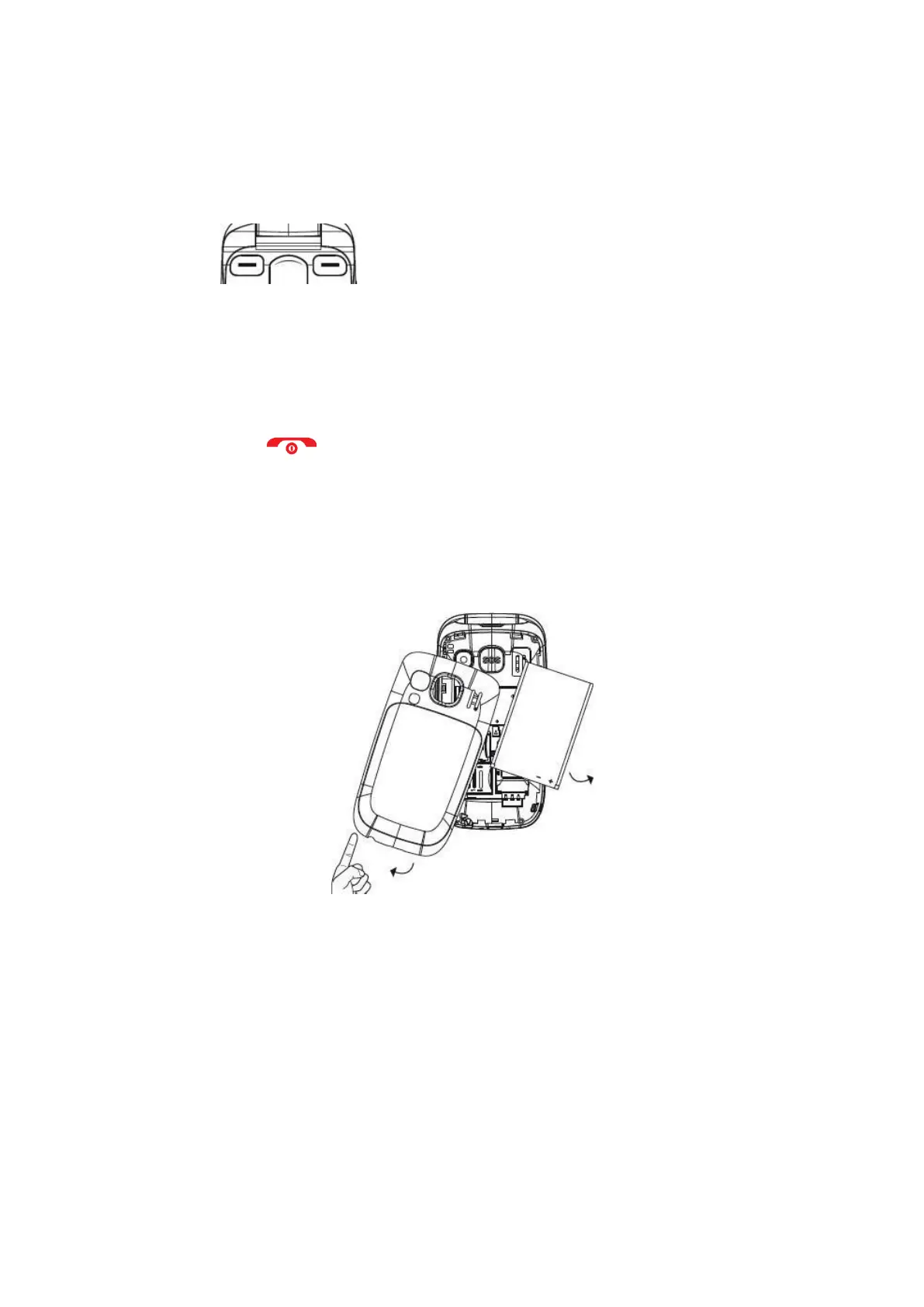
Lift the battery cover using the tab on the bottom of the phone.



 To Next Page