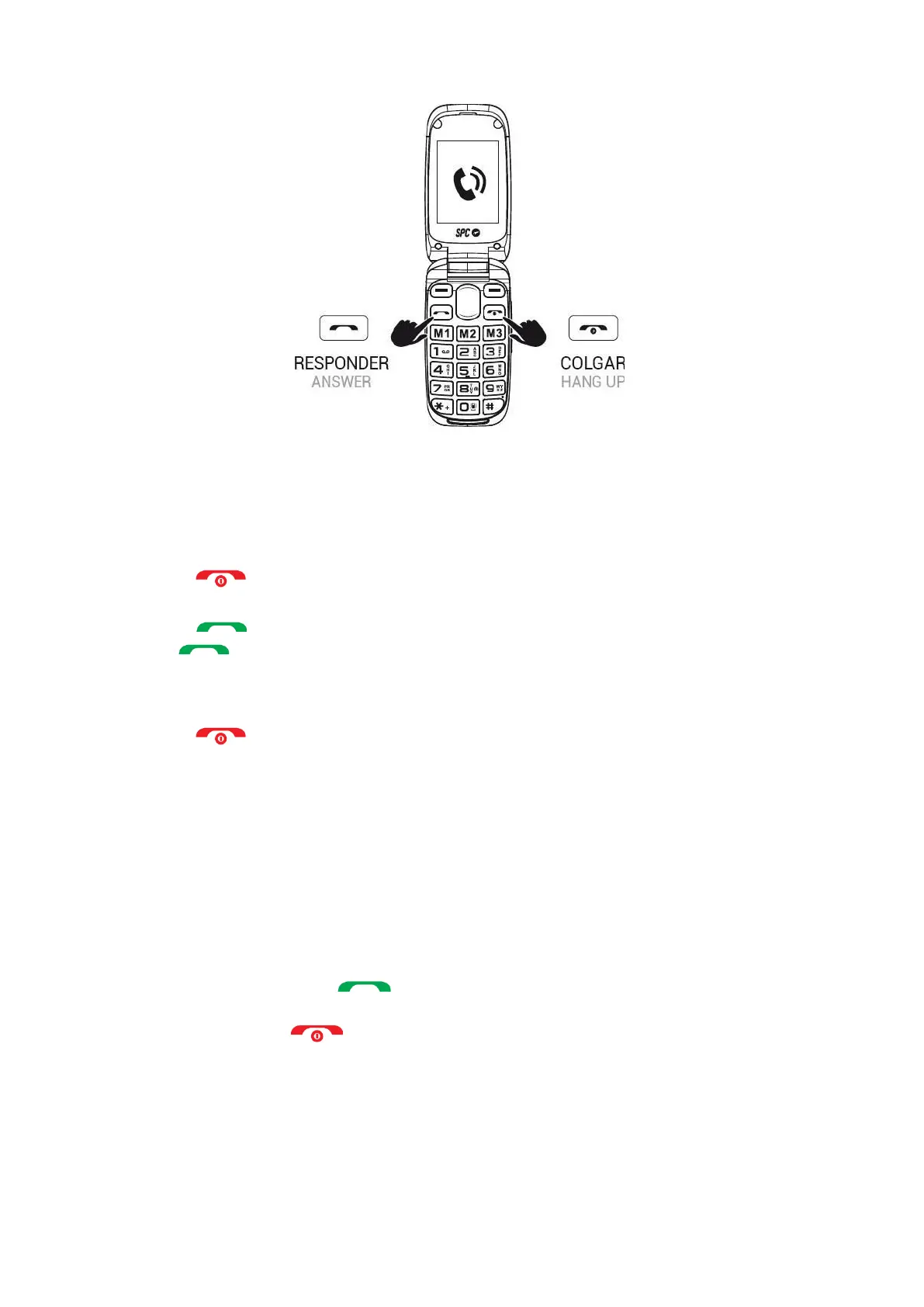
During a call, you will be able to make and receive further calls from/to the same number, but you
will not be able to make or receive calls from/to the other SIM card.
1.
Dial the number you want to call.
2.
Press to delete incorrectly entered digits.
3.
Press and select the SIM card you want to make the call with. Press .
4.
When calling, if the number is stored in the phonebook, the name of the contact will appear on
the display.
5.
Press to end the call.
Calling a contact from the phonebook
1.
Press "Agenda" from the home screen with the right function key. The screen will
display the list of contacts in alphabetical order.
2.
Use the up/down keys to scroll through the list to the desired contact.
3.
Press the call key to call the selected contact.
4.
Press the end call key to end the call.



 To Next Page