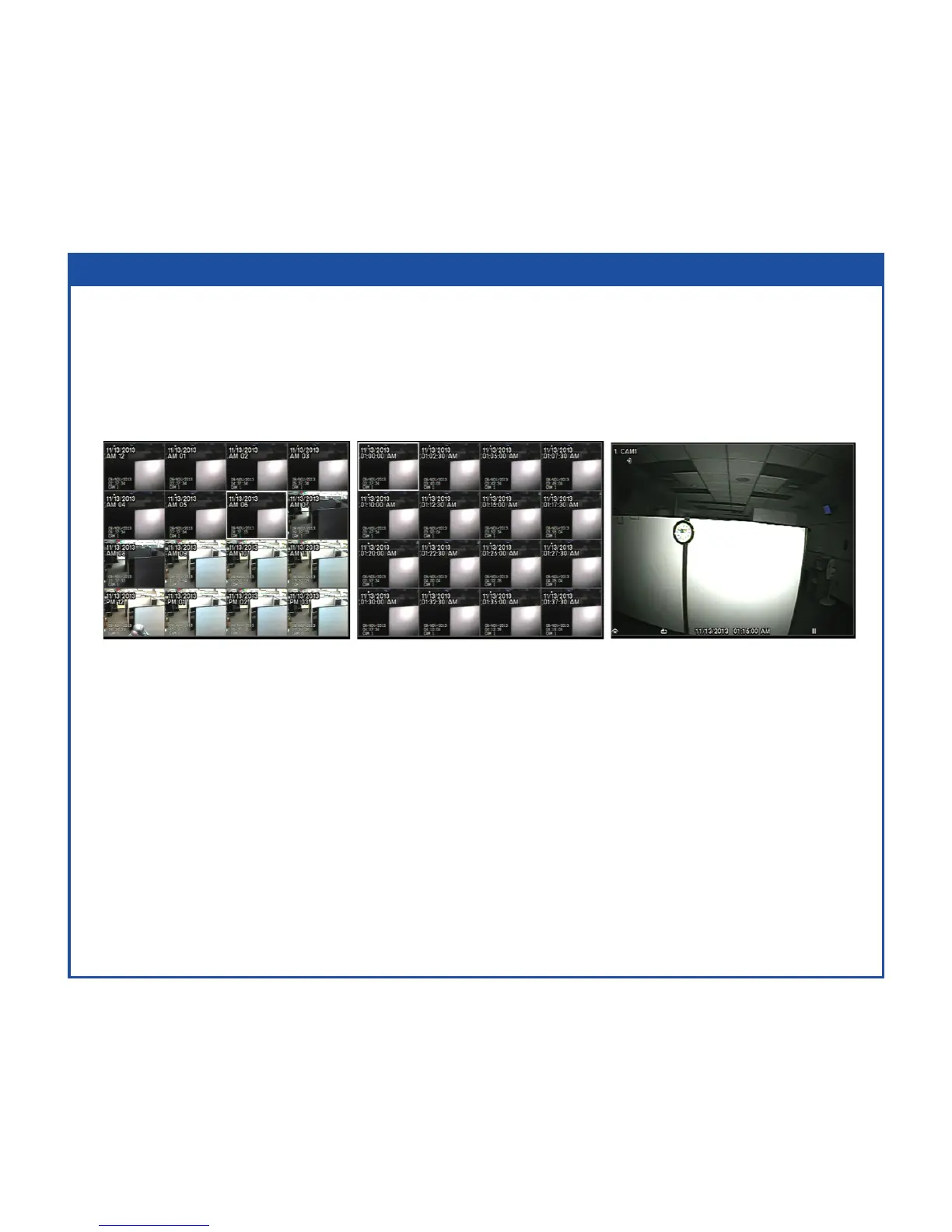
EZ Search Mode
YoucanentertheEZSearchmodebyselecting(Search)–EZSearchintheSearchmenu
whiletheDVRdisplaysacamerafullscreen.WhenenteringtheEZSearchmode,the
DVRwillplayvideoin4x4displayformatstartingwiththerstrecordedimageusingthe
Dayprecision(default).Therearethreeprecisionlevels:Day,HourandMinute.
WhileintheEZSearchmode,youwillneedtoselectthedesiredscreentile.
• Day–SelectthedesiredDaytileandpress(Play/Pause)button.
• Hour–SelectthedesiredHourtileandpress(Play/Pause)button.
• 2.5Min–Selectthe2andahalfminutetileandpress(Play/Pause)button.
• Theclipwillnowbeplaying.
ExittheEZSearchmodebypressingtheESCbuttonorselecting(Exit)inthe
EZSearchmenudisplayedwhenpressingtheMENUbutton.



 To Next Page