EasyManua.ls Logo

Spectracom NetClock 9400 Series - User Manual

Spectracom NetClock 9400 Series
467 pages
Print Icon
To Next Page IconTo Next Page
Loading...
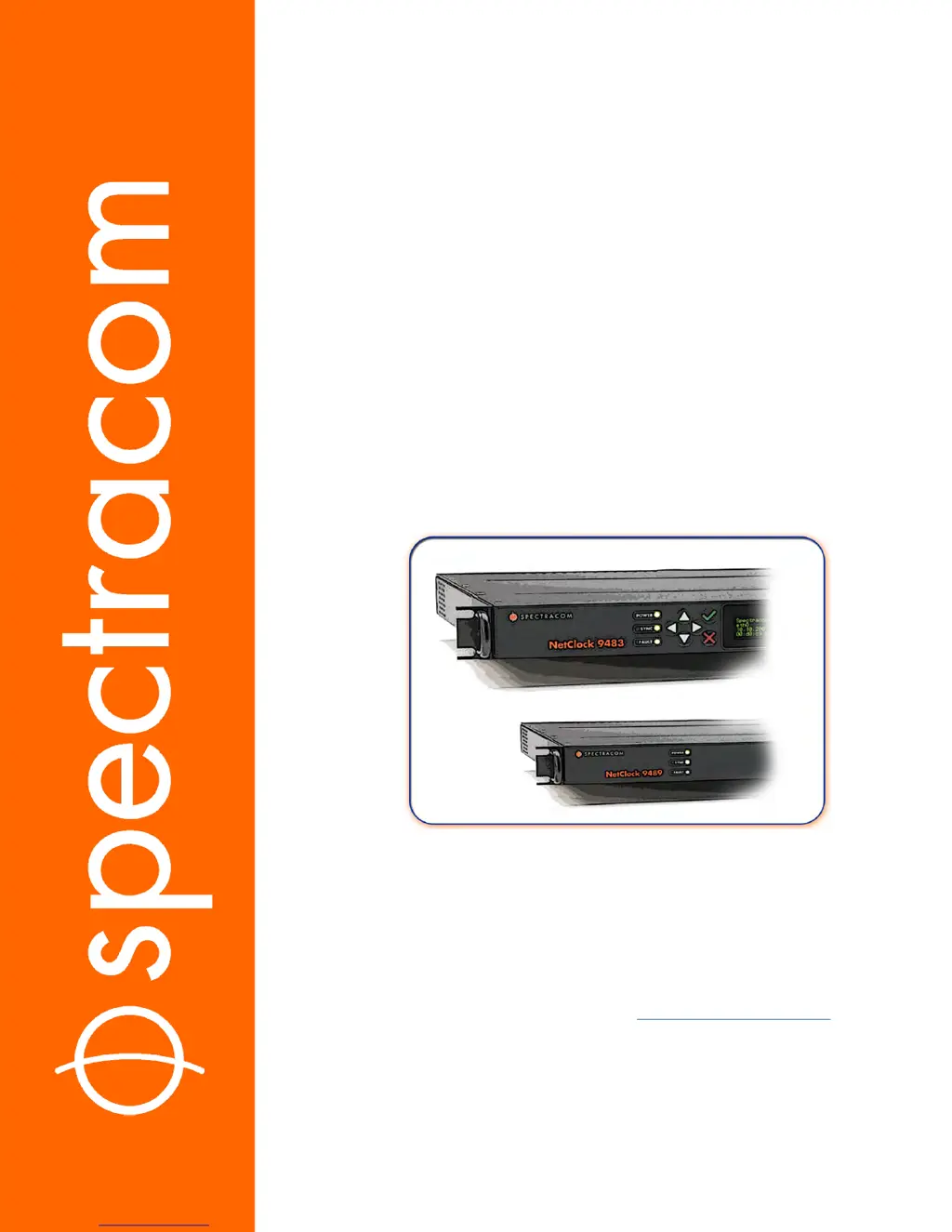
NetClock
®
9400 Series
Time Server
User Reference Guide
Document Part No.: 1209-5000-0050
Revision: 16
Date: 28-Aug-2017
spectracom.com

Table of Contents

Questions and Answers

Summary

Chapter 1: Product Description

1.9 The NetClock Web UI

Explains the integrated web user interface (Web UI) for configuring and monitoring the NetClock unit.

1.10 Specifications

Provides detailed specifications for the base NetClock 9483 model, covering input power, fuses, GNSS receiver, and serial ports.

Chapter 2: Setup

2.4 SAFETY

Covers essential safety information, including symbols used and precautions to take before installation.

2.11 Setting up an IP Address

Explains how to assign an IP address to NetClock for network accessibility, covering dynamic vs. static IP.

2.14 Configuring Network Settings

Guides on configuring network settings, including General Settings, Network Ports, Network Services, and Static Routes.

2.15 Configuring NTP

Details the configuration of Network Time Protocol (NTP) and Simple Network Time Protocol (SNTP) for time synchronization.

Chapter 3: Managing Time

3.1 The Time Management Screen

The entry point for all System Time-related settings, divided into System Time, Offsets, and Leap Second Info panels.

3.2 System Time

Explains how NetClock maintains System Time, its synchronization with input references, and manual time setting.

3.3 Managing Input References

Details how to configure input references, including priorities, qualification, validation, and specific receiver settings.

3.4 Holdover Mode

Describes NetClock's behavior when input references are lost, including the Holdover mode and timeout configuration.

Chapter 4: System Administration

4.2 Notifications

Explains how to configure notifications for events like holdover, shorts, and alarms via email, SNMP traps, or alarms.

4.3 Managing Users and Security

Details user account management, password policies, LDAP, RADIUS, TACACS+, HTTPS security levels, and SSH.

4.5 Quality Management

Focuses on system monitoring, status monitoring via front panel and Web UI, input references, and oscillator status.

4.7 Resetting the Unit to Factory Configuration

Guides on resetting the unit to factory defaults, cleaning configuration files, and backing up/restoring configurations.

Appendix

5.1 Troubleshooting

Provides guidance on troubleshooting common issues using status LEDs, Web UI status pages, and system configuration checks.

Summary

Chapter 1: Product Description

1.9 The NetClock Web UI

Explains the integrated web user interface (Web UI) for configuring and monitoring the NetClock unit.

1.10 Specifications

Provides detailed specifications for the base NetClock 9483 model, covering input power, fuses, GNSS receiver, and serial ports.

Chapter 2: Setup

2.4 SAFETY

Covers essential safety information, including symbols used and precautions to take before installation.

2.11 Setting up an IP Address

Explains how to assign an IP address to NetClock for network accessibility, covering dynamic vs. static IP.

2.14 Configuring Network Settings

Guides on configuring network settings, including General Settings, Network Ports, Network Services, and Static Routes.

2.15 Configuring NTP

Details the configuration of Network Time Protocol (NTP) and Simple Network Time Protocol (SNTP) for time synchronization.

Chapter 3: Managing Time

3.1 The Time Management Screen

The entry point for all System Time-related settings, divided into System Time, Offsets, and Leap Second Info panels.

3.2 System Time

Explains how NetClock maintains System Time, its synchronization with input references, and manual time setting.

3.3 Managing Input References

Details how to configure input references, including priorities, qualification, validation, and specific receiver settings.

3.4 Holdover Mode

Describes NetClock's behavior when input references are lost, including the Holdover mode and timeout configuration.

Chapter 4: System Administration

4.2 Notifications

Explains how to configure notifications for events like holdover, shorts, and alarms via email, SNMP traps, or alarms.

4.3 Managing Users and Security

Details user account management, password policies, LDAP, RADIUS, TACACS+, HTTPS security levels, and SSH.

4.5 Quality Management

Focuses on system monitoring, status monitoring via front panel and Web UI, input references, and oscillator status.

4.7 Resetting the Unit to Factory Configuration

Guides on resetting the unit to factory defaults, cleaning configuration files, and backing up/restoring configurations.

Appendix

5.1 Troubleshooting

Provides guidance on troubleshooting common issues using status LEDs, Web UI status pages, and system configuration checks.

Spectracom NetClock 9400 Series Specifications

General IconGeneral
BrandSpectracom
ModelNetClock 9400 Series
CategoryOther
LanguageEnglish

Related product manuals