EasyManua.ls Logo

Spectracom NetClock 9489 - User Manual

Default Icon
467 pages
Print Icon
To Next Page IconTo Next Page
Loading...
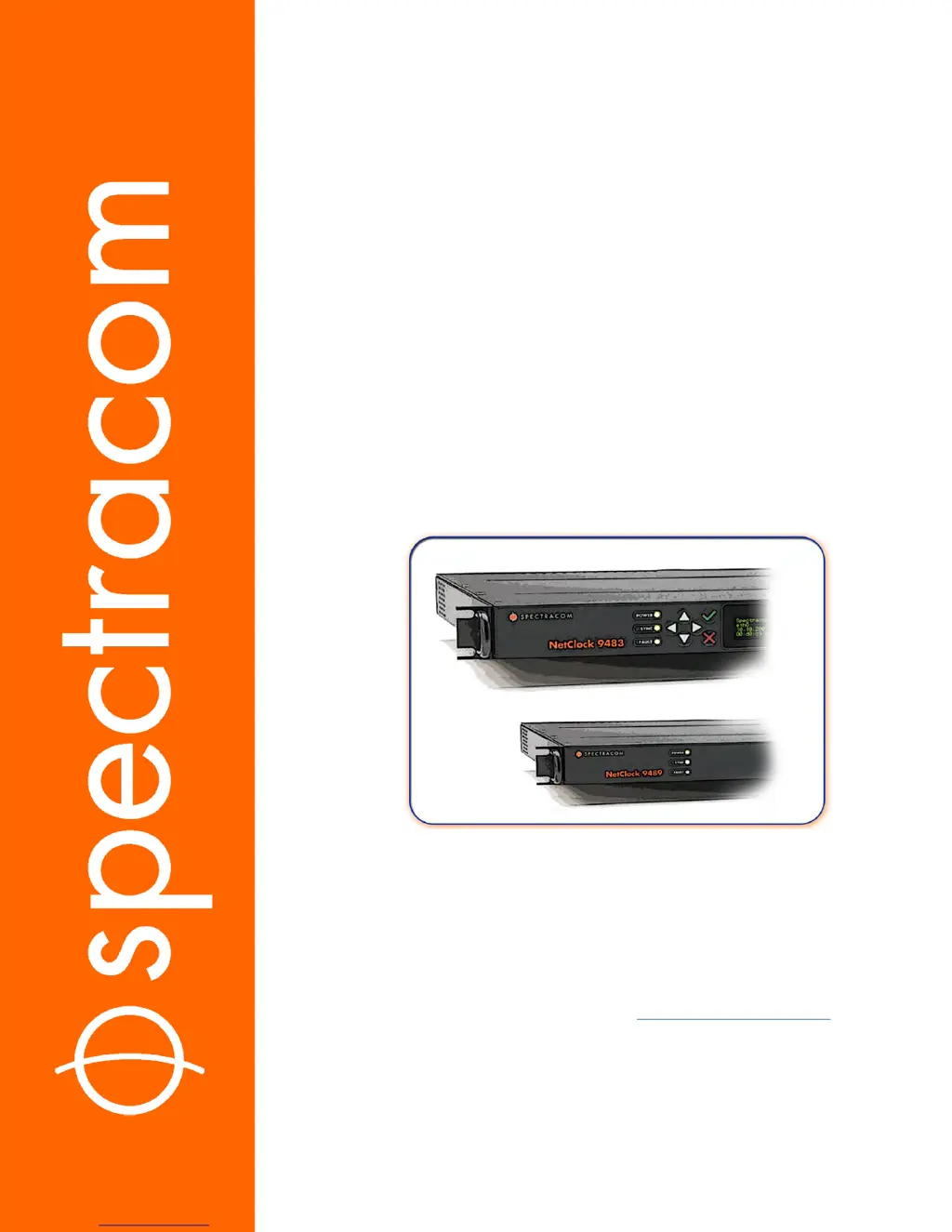
NetClock
®
9400 Series
Time Server
User Reference Guide
Document Part No.: 1209-5000-0050
Revision: 16
Date: 28-Aug-2017
spectracom.com

Table of Contents

Questions and Answers

Summary

Product Description

1.9 The NetClock Web UI

Introduction to the NetClock Web User Interface and its capabilities.

1.10 Specifications

Technical specifications for the NetClock 9483 base model.

SETUP

2.4 SAFETY

Important safety information and precautions for installation and operation.

2.6 Connecting Supply Power

Details on AC and DC input power systems to the NetClock unit.

2.8 Connecting Network Cables

Guidance on connecting network cables for basic network connectivity.

2.10 Powering Up the Unit

Steps for powering up the NetClock unit after installation.

2.11 Setting up an IP Address

Steps to assign an IP address for network accessibility.

2.12 Accessing the Web UI

Instructions on how to access the NetClock Web User Interface.

2.14 Configuring Network Settings

Configuration of network settings for Web UI access via static or DHCP IP.

2.15 Configuring NTP

Configuration of Network Time Protocol (NTP) and Simple Network Time Protocol (SNTP).

2.16 Configuring Input References

How to access and configure settings for input references.

MANAGING TIME

3.2 System Time

How NetClock maintains and uses System Time for various outputs and logs.

SYSTEM ADMINISTRATION

4.3 Managing Users and Security

Managing user accounts, passwords, and authentication methods for security.

4.7 Resetting the Unit to Factory Configuration

Procedures to reset NetClock configurations to factory defaults.

APPENDIX

5.1 Troubleshooting

Information to help troubleshoot failure symptoms.

Summary

Product Description

1.9 The NetClock Web UI

Introduction to the NetClock Web User Interface and its capabilities.

1.10 Specifications

Technical specifications for the NetClock 9483 base model.

SETUP

2.4 SAFETY

Important safety information and precautions for installation and operation.

2.6 Connecting Supply Power

Details on AC and DC input power systems to the NetClock unit.

2.8 Connecting Network Cables

Guidance on connecting network cables for basic network connectivity.

2.10 Powering Up the Unit

Steps for powering up the NetClock unit after installation.

2.11 Setting up an IP Address

Steps to assign an IP address for network accessibility.

2.12 Accessing the Web UI

Instructions on how to access the NetClock Web User Interface.

2.14 Configuring Network Settings

Configuration of network settings for Web UI access via static or DHCP IP.

2.15 Configuring NTP

Configuration of Network Time Protocol (NTP) and Simple Network Time Protocol (SNTP).

2.16 Configuring Input References

How to access and configure settings for input references.

MANAGING TIME

3.2 System Time

How NetClock maintains and uses System Time for various outputs and logs.

SYSTEM ADMINISTRATION

4.3 Managing Users and Security

Managing user accounts, passwords, and authentication methods for security.

4.7 Resetting the Unit to Factory Configuration

Procedures to reset NetClock configurations to factory defaults.

APPENDIX

5.1 Troubleshooting

Information to help troubleshoot failure symptoms.

Spectracom NetClock 9489 Specifications

General IconGeneral
Operating Temperature0°C to 50°C
TypeNetwork Time Server
Time SourceGPS, NTP, IRIG, 1PPS
Output ProtocolsNTP, PTP, IRIG, 1PPS
Network InterfaceEthernet
Power Supply100-240 VAC
Dimensions1U rack mount
Disciplined OscillatorTCXO
GPS ReceiverYes
ProtocolsNTP, IRIG
Mounting1U rack-mount
GNSS ReceiverMulti-GNSS (GPS, GLONASS, Galileo, BeiDou)
InputsIRIG

Related product manuals