3.
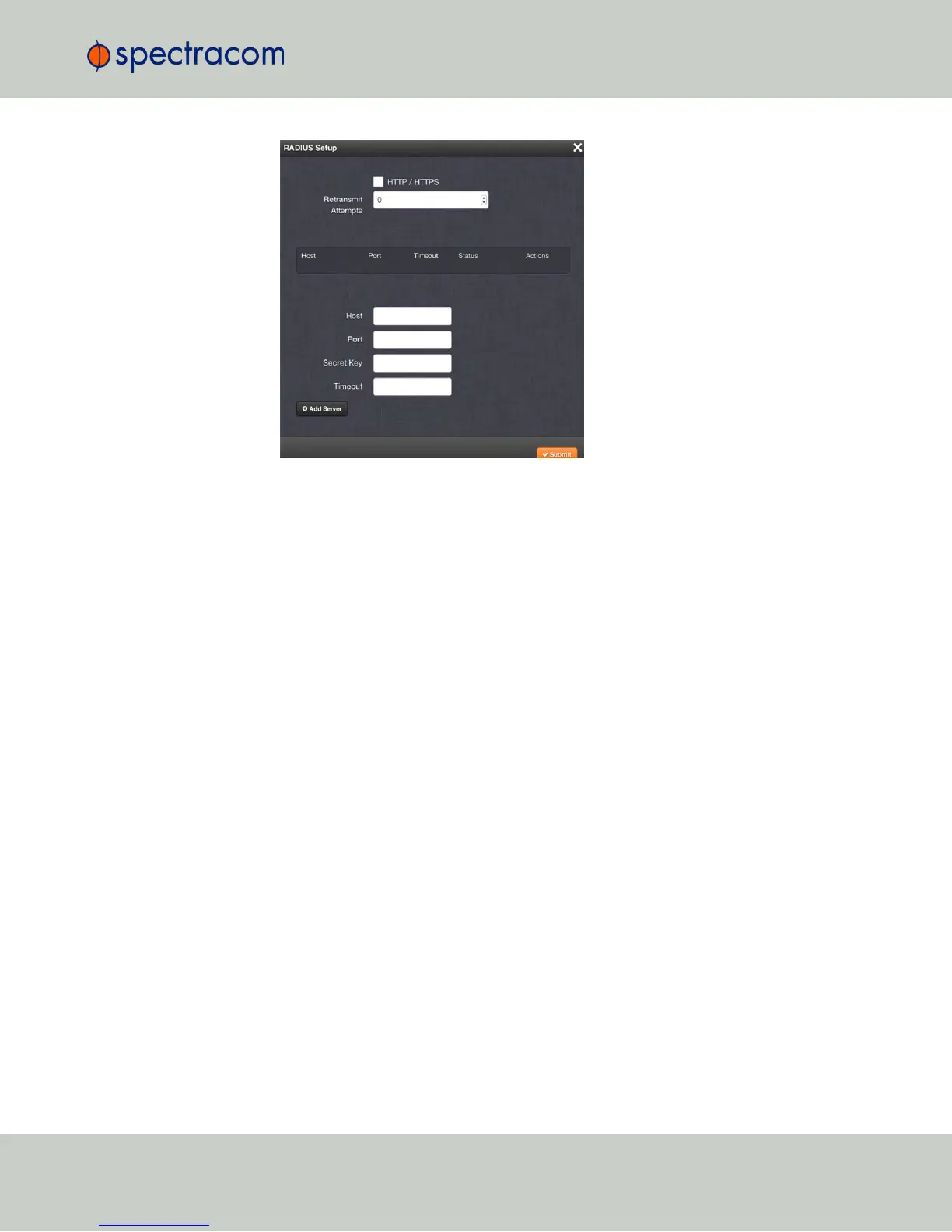
Check the box labeled HTTP/HTTPS if you want to enable RADIUS, or uncheck the box
if you want to disable RADIUS.
4.
If you are enabling the service, in the Retransmit Attempts field, select the number of
retries for NetClock to communicate with the RADIUS server (default = 0).
5.
Click Submit.
4.3.4.2 Adding/Removing a RADIUS Server
To add a RADIUSauthentication server, or remove a server from the list:
1.
Navigate to MANAGEMENT > OTHER: Authentication.
2.
In the Actions panel on the left, click RADIUS Setup. The RADIUS Setup window will be
displayed:
4.3 Managing Users and Security
CHAPTER 4 • NetClock User Reference Guide Rev. 16
251



 To Next Page