5.1.7 Troubleshooting – Keypad Is Locked
The NetClock 9483 front panel keypad can be locked in order to prevent inadvertent oper
ation. It can be locked and unlocked using either the keypad or the Web UI. When locked, the
keypad operation is disabled until it is unlocked using either of the two following processes:
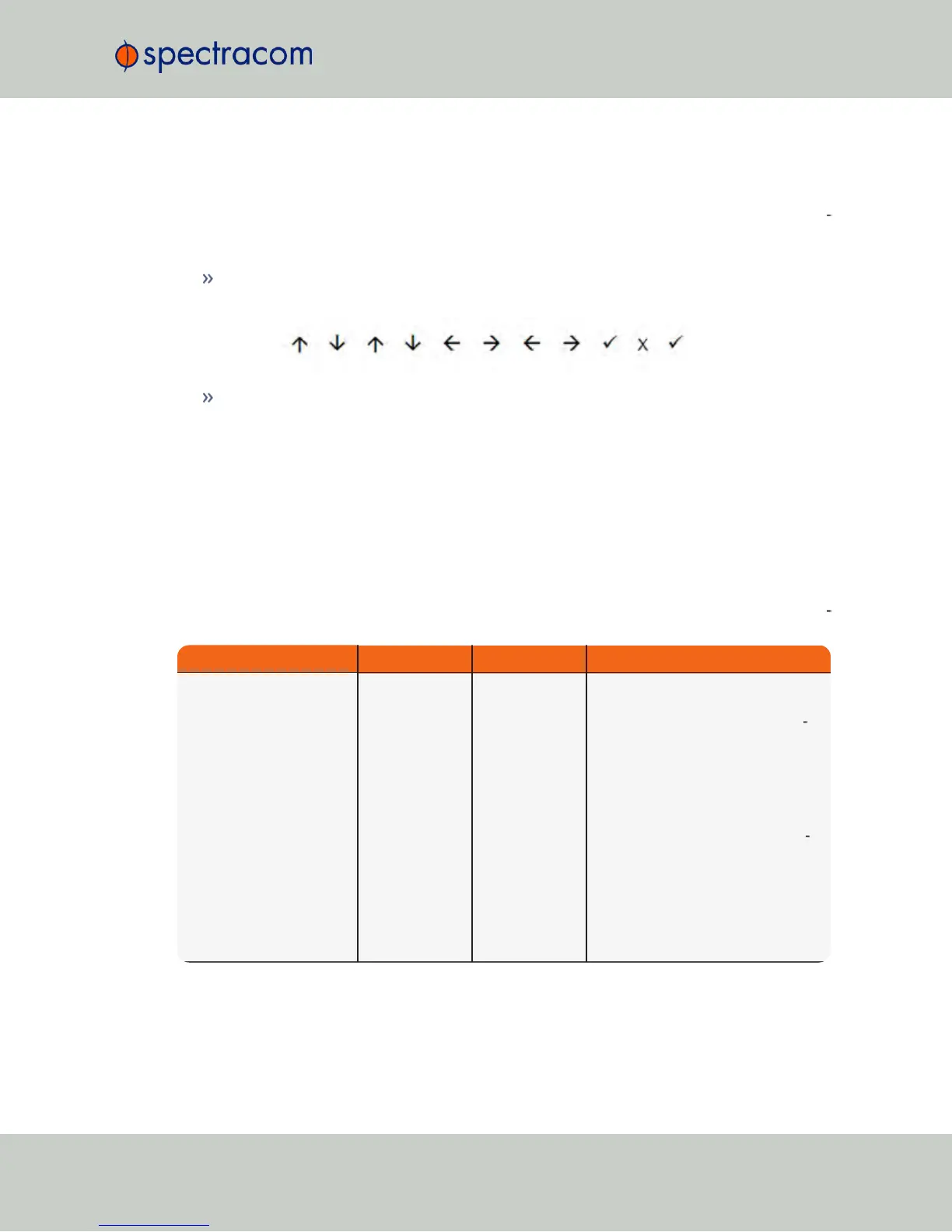
To unlock the front panel keypad, using the keypad (locally), perform the following key
sequence:
To unlock the front panel keypad, using the Web UI (remotely):
1.
Open the NetClock Web UI, and navigate to MANAGEMENT > OTHER: Front
Panel.
2.
Check the Lock Keypad box.
3.
Click Submit.
5.1.8 Troubleshooting – 1PPS, 10 MHz Outputs
If the 1PPS and/or the 10MHz output(s) (the latter is only available on NetClock 9483) are not
present, input power may not be applied. Or NetClock is not synchronized to its input ref
erences and Signature Control is enabled.
Web UI Page Current Status Indication Troubleshooting
HOME page
Reference Status
Table
One or more
input references
indicate “Not
Valid” (red)
All available Input References have
been lost. The Reference Status table
on this same page will show the cur
rent status of all inputs (Green is valid
and red is not valid, or not present). If
Signature Control is enabled in this
state, the output may be disabled, see
"The Outputs Screen" on
page138
.
1. Make sure the Input Reference Pri
ority table still has the desired inputs
enabled, based on desired priority.
2. Make sure desired input references
are still connected to the correct input
port of NetClock.
3. Verify GNSS antenna installation (if
applicable).
NetClock User Reference Guide 331
APPENDIX



 To Next Page