4.
Click Submit.
2.17.2.2 Configuring the 10 MHz Output (NetClock 9483 Only)
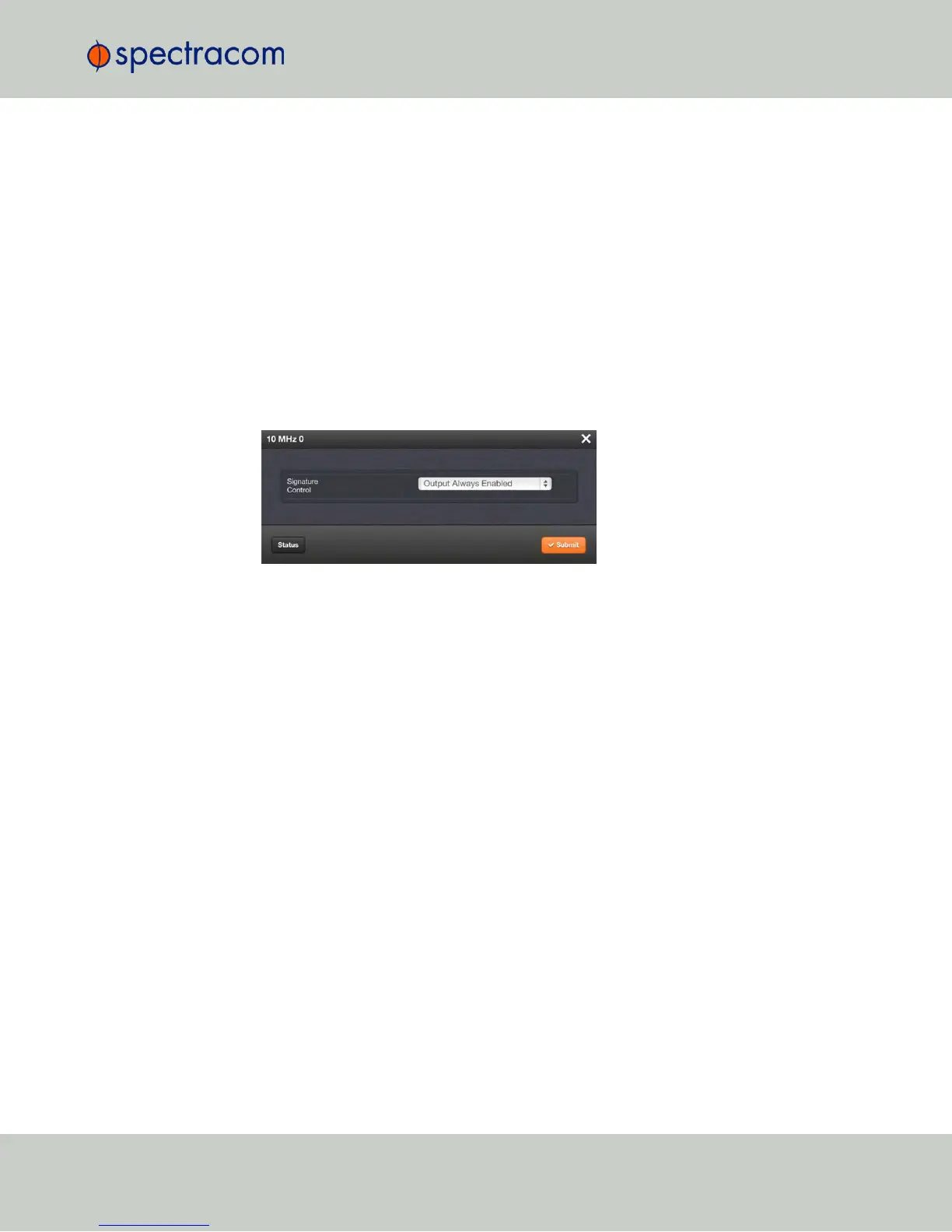
To configure a10 MHz output:
1.
Navigate to INTERFACES > OUTPUTS, or to INTERFACES > OPTIONCARDS (white on
orange).
2.
In the panel on the right, click the GEAR button next to the 10 MHz output that you want to
edit.
3.
The 10 MHz edit window will display. Choose a value from the Signature Control field
drop-down list to determine what NetClock shall do with the output signal in the event its
input reference is lost. For more information, see "Signature Control" below.
4.
Click Submit.
2.17.3 Configuring Optional Outputs
Next to the standard outputs, optional outputs e.g., ASCII or IRIG, are available through
Option Modules.
The functionality and configuration of these options are documented under "Option Modules"
on page335.
2.17.4 Network Ports
The Network Ports can be configured under MANAGEMENT > Network Setup . For more
information, see "Configuring Network Settings" on page56.
2.17.5 Signature Control
Signature Control is a user-set parameter that controls under which output states an output will
be present. This feature allows you to determine how closely you want to link an output to the
status of the active input reference e.g., by deactivating it after holdover expiration. It is also
offers the capability to indirectly send an input-reference-lost-alarm to a downstream recipient
via the presence of the signal.
2.17 Configuring Outputs
CHAPTER 2 • NetClock User Reference Guide Rev. 16
141



 To Next Page