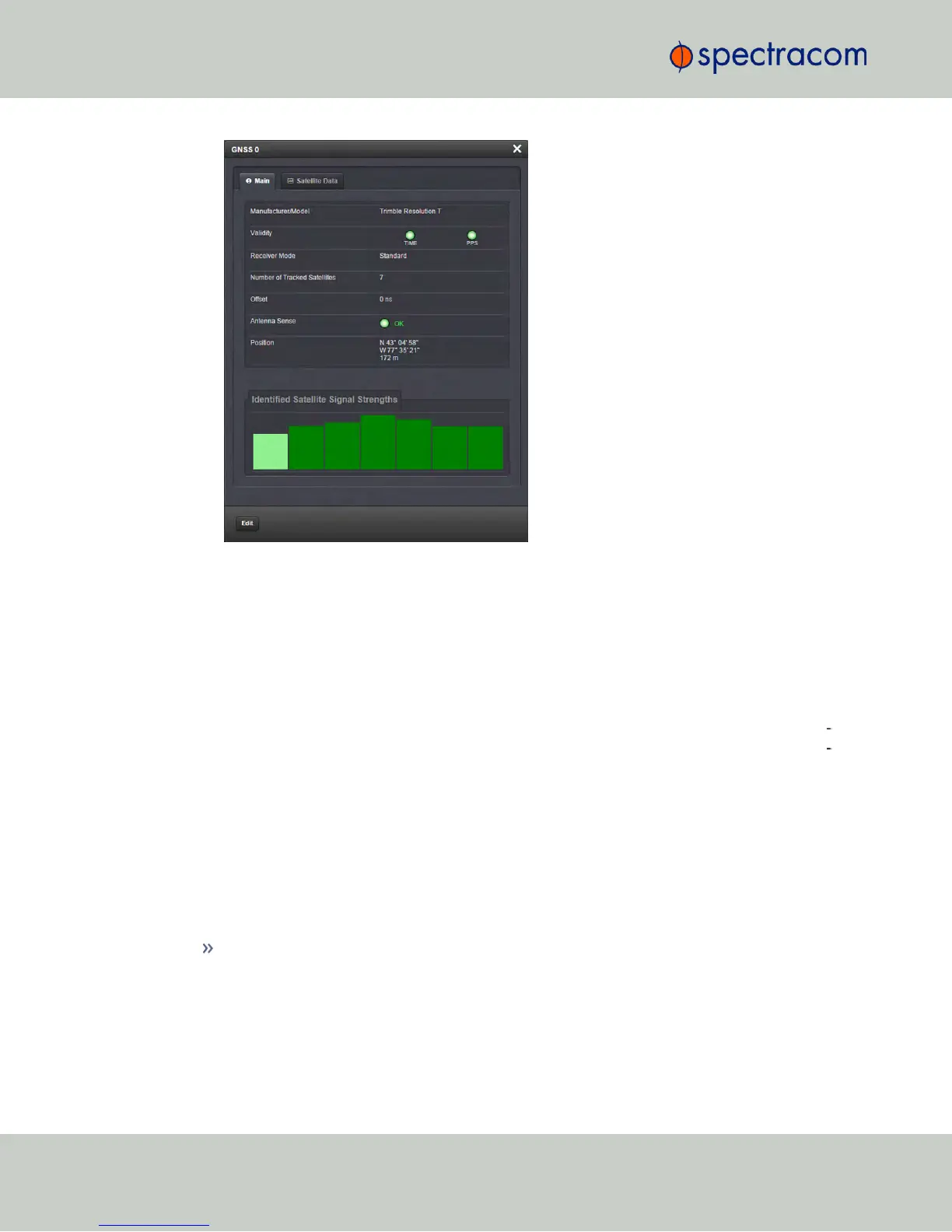
To change settings, click the Edit button in the bottom left corner.
4.5.1.4 Reference Monitoring: Phase
The quality of input references can be assessed by comparing their phase offsets against the
current system reference, and against each other. This is called Reference Monitoring.
Reference Monitoring helps to understand and predict system behavior, and is an interference
mitigation tool. It can also be used to manually re-organize reference priorities e.g., by assign
ing a lower reference priority to a noisy reference or a reference with a significant phase off
set, or to automatically failover to a different reference if certain quality thresholds are no
longer met (see "Smart Reference Monitoring" on the facing page).
NetClock allows Reference Monitoring by comparing the phase data of references against the
System Ontime Point. The phase values shown are the filtered phase differences between each
input reference 1PPS, and the internal disciplined 1PPS.
The data is plotted in a graph in real-time. The plot also allows you to display historic data,
zoom in on any data range or on a specific reference. A data set can be exported, or deleted.
To monitor the quality of references:
Navigate to TOOLS > SYSTEM: Reference Monitor. The Reference Monitor screen will
display:
272
CHAPTER 4 • NetClock User Reference Guide Rev. 16
4.5 Quality Management



 To Next Page