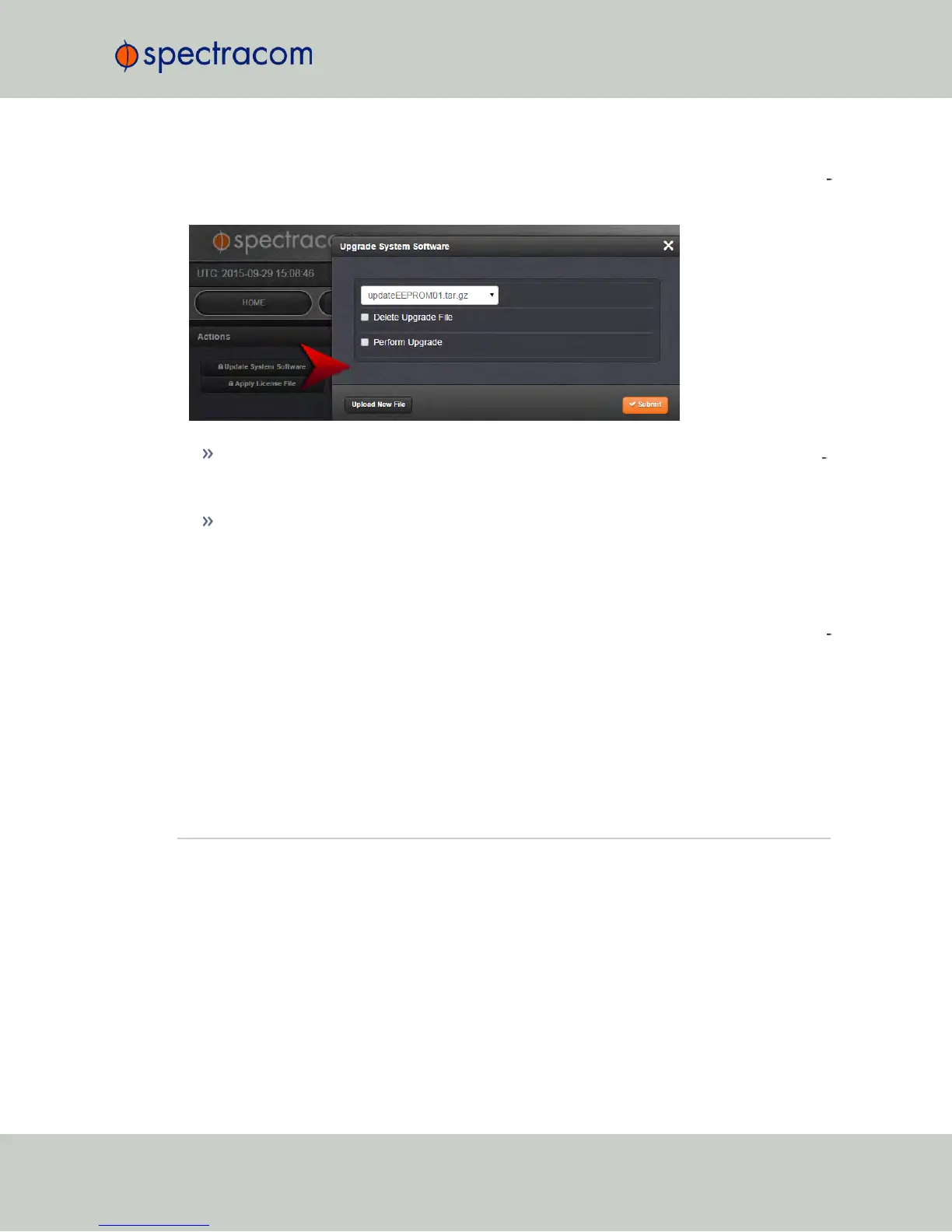
In such an event, the Upload New File window will disappear, and the Upgrade System Soft
ware window will be displayed again instead.
Should this happen repeatedly, you can transfer the update file using a file transfer pro
tocol such as scp, sftp or ftp, if security is not a concern. The update can then be initiated
from the Web UI or Command Line.
Disk Status: In the event of an aborted update process, under Tools > Upgrade/Backup
> Disk Status, check Percent Used: If the number is greater than 70%, free up disk
space, before starting another attempt to update the System Software.
Software Versions older than 5.3.0:
Note that failed update attempts may result in lost Disk Space on the NetClock. Reboot the sys
tem to erase unwanted update files.
Software Version 5.3.0 and higher:
In the event that an update process becomes aborted, clicking Update System Software will
automatically erase unwanted update files.
5.2 Option Modules
This Chapter lists all option modules currently available, their features, specifications, and how
to configure them via the Web UI.
5.2.1 NetClock 9483 Option Modules
Spectracom offers several configurations for the NetClock 9483. This section contains technical
details and specifications for option modules that may have been selected at the time of
NetClock User Reference Guide 335
APPENDIX



 To Next Page