7.
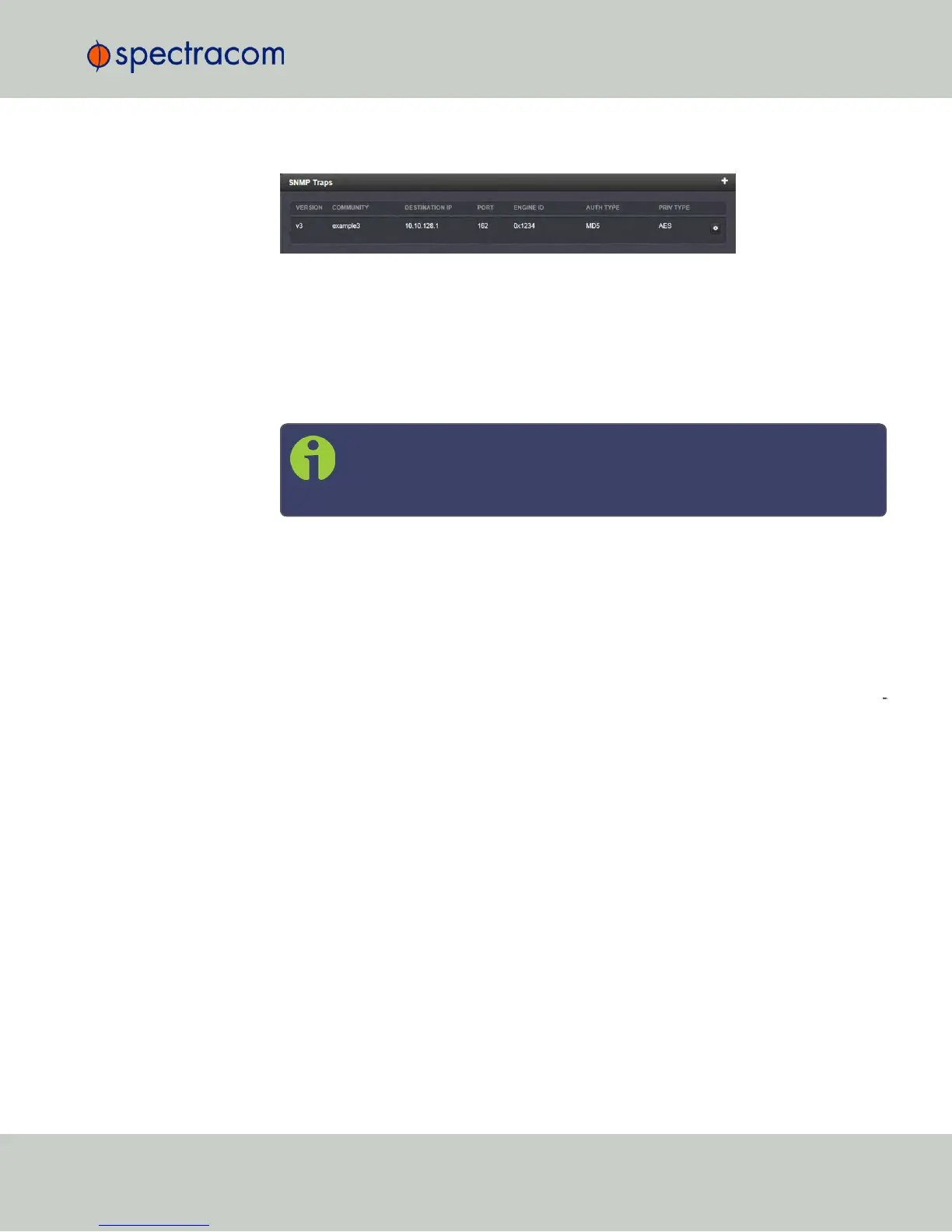
The SNMP trap you created will appear in the SNMP Traps panel:
Each row of the SNMP Traps panel includes the version of the SNMP functionality, the
User/Community name for the trap, the IP address/Hostname of the SNMP Manager
and values applicable only to SNMP v3, which include the Engine ID, the Authorization
Type, the Privilege Type.
You may define different SNMP Managers to whom SNMP traps can be sent over the
network. This allows for SNMP Managers in different geographical areas to receive the
same SNMP traps.
Note: Spectracom has been assigned the enterprise identifier 18837 by
the IANA (Internet Assigned Numbers Authority). Spectracom’s product
MIBs reside under the enterprise identifier @18837.3.
For detailed descriptions of the objects and traps supported by the NetClock, please
refer to the Spectracom NetClock MIB files. See "Accessing the SNMP Support MIB
Files" on page87.
2.14.9 System Time Message
The System Time Message is a feature used for special applications that require a once-per-
second time message to be sent out by NetClock via multicast. This time message will be trans
mitted before every 1PPS signal, and can be used to evaluate accuracy and jitter.
To set up and enable a System Time Message:
1.
Navigate to MANAGEMENT > Network Setup > Actions panel, and select System Time
Message. The Settings window will open.
2.
Populate the fields Multicast Address, Port Number and Message ID, and click Submit.
2.14 Configuring Network Settings
CHAPTER 2 • NetClock User Reference Guide Rev. 16
93



 To Next Page