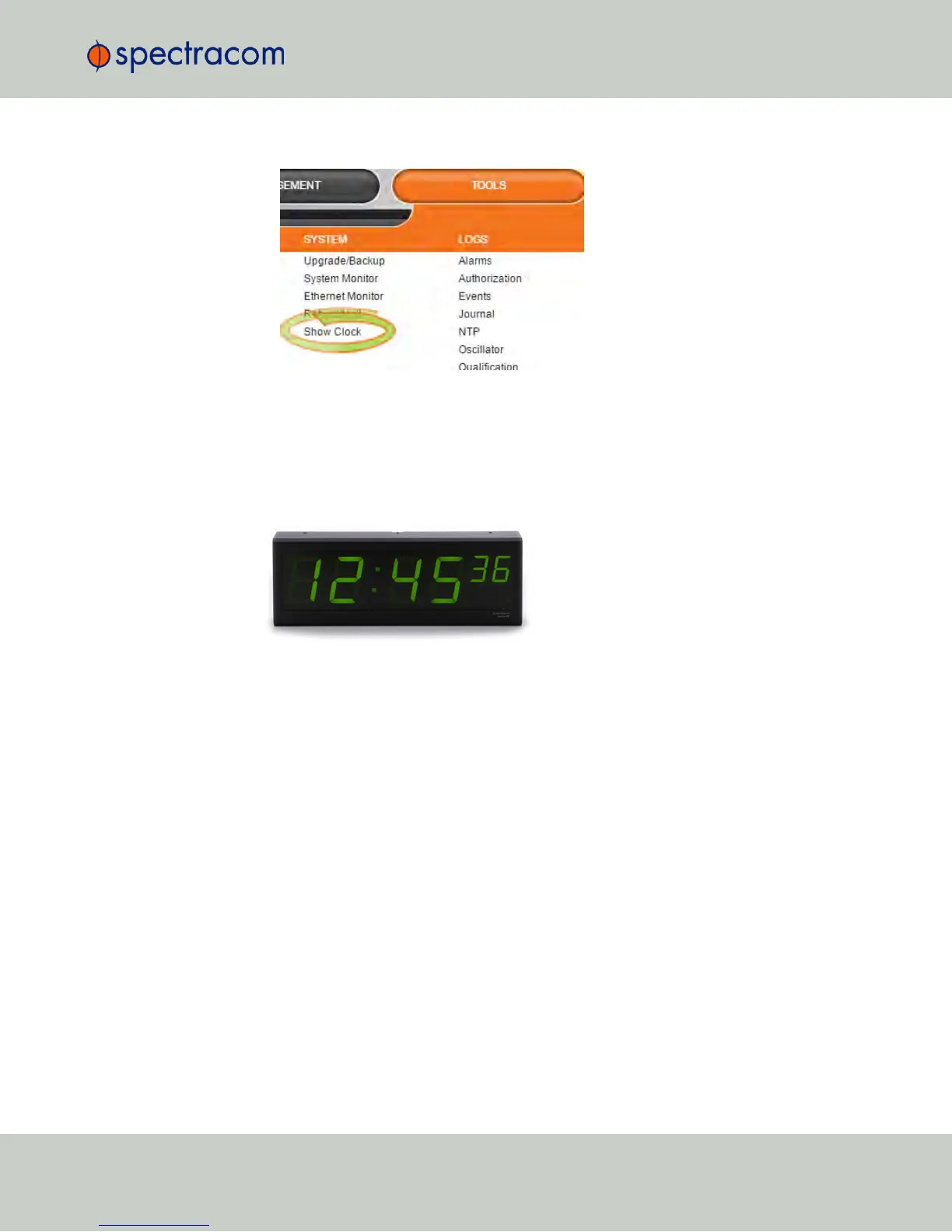
1.
Navigate to TOOLS > SYSTEM: Show Clock:
2.
To return to the standard Web UI, click Home.
4.4.6 Configuring an External Display Clock
A frequently requested configuration is to connect and configure a remote Spectracom
TimeView
®
Display Clock to a NetClock unit.
Figure 4-3: Spectracom TV400 series display clock
The following procedure applies to Spectracom display clocks, models TV400W, and
TV210W.
1.
Set up a Local Clock: In the Web UI, navigate to Management > Time Management, and
click the PLUS icon to add a new Local Clock.
Name the new Local Clock, and configure it (for more information, see ).
4.4 Miscellanous Typical Configuration Tasks
CHAPTER 4 • NetClock User Reference Guide Rev. 16
263



 To Next Page