4.3.3 LDAP Authentication
LDAP (Lightweight Directory Access Protocol) authentication provides the means to use an
external LDAP server to authenticate the user account credentials when logging in to NetClock.
LDAP allows the login password for user-created accounts to be stored and maintained in a
central LDAP or server on the network. This function greatly simplifies password management.
Instead of having to change the password in many network appliances when a password needs
to be changed, if a user password is changed in the LDAP server, it automatically changes the
login password for all of the appliances that are using the LDAP server to authenticate a user
login.
In order to use the LDAP authentication capability of NetClock, it needs to first be configured
with the appropriate settings in order to be able to communicate with the LDAP server(s) on the
network.
Caution: If you plan on using LDAP, configure it with diligence. If not required,
Spectracom recommends to keep LDAP disabled.
Configuring LDAP authentication
1.
Navigate to MANAGEMENT > OTHER: Authentication.
2.
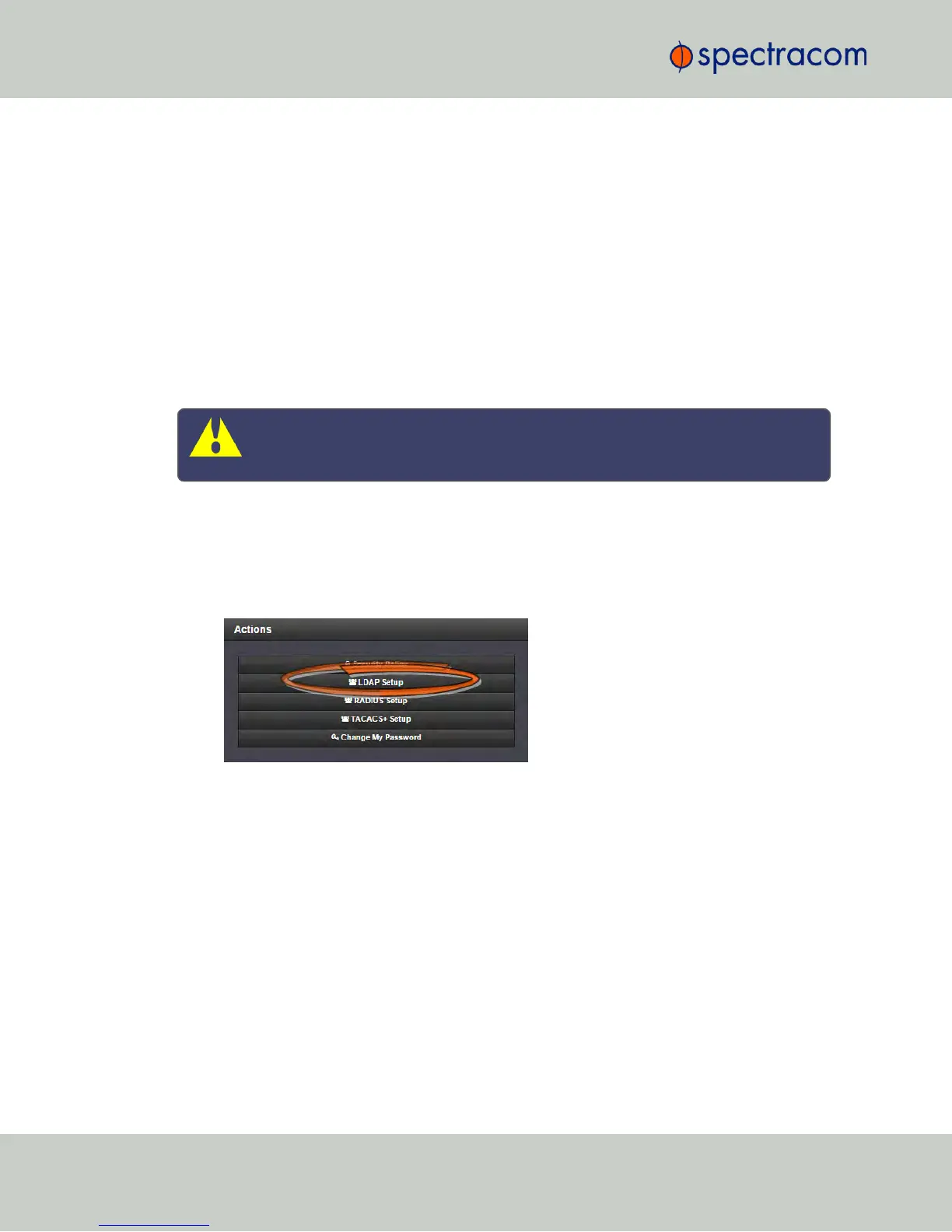
In the Actions panel, click the LDAP Setup button.
244
CHAPTER 4 • NetClock User Reference Guide Rev. 16
4.3 Managing Users and Security



 To Next Page