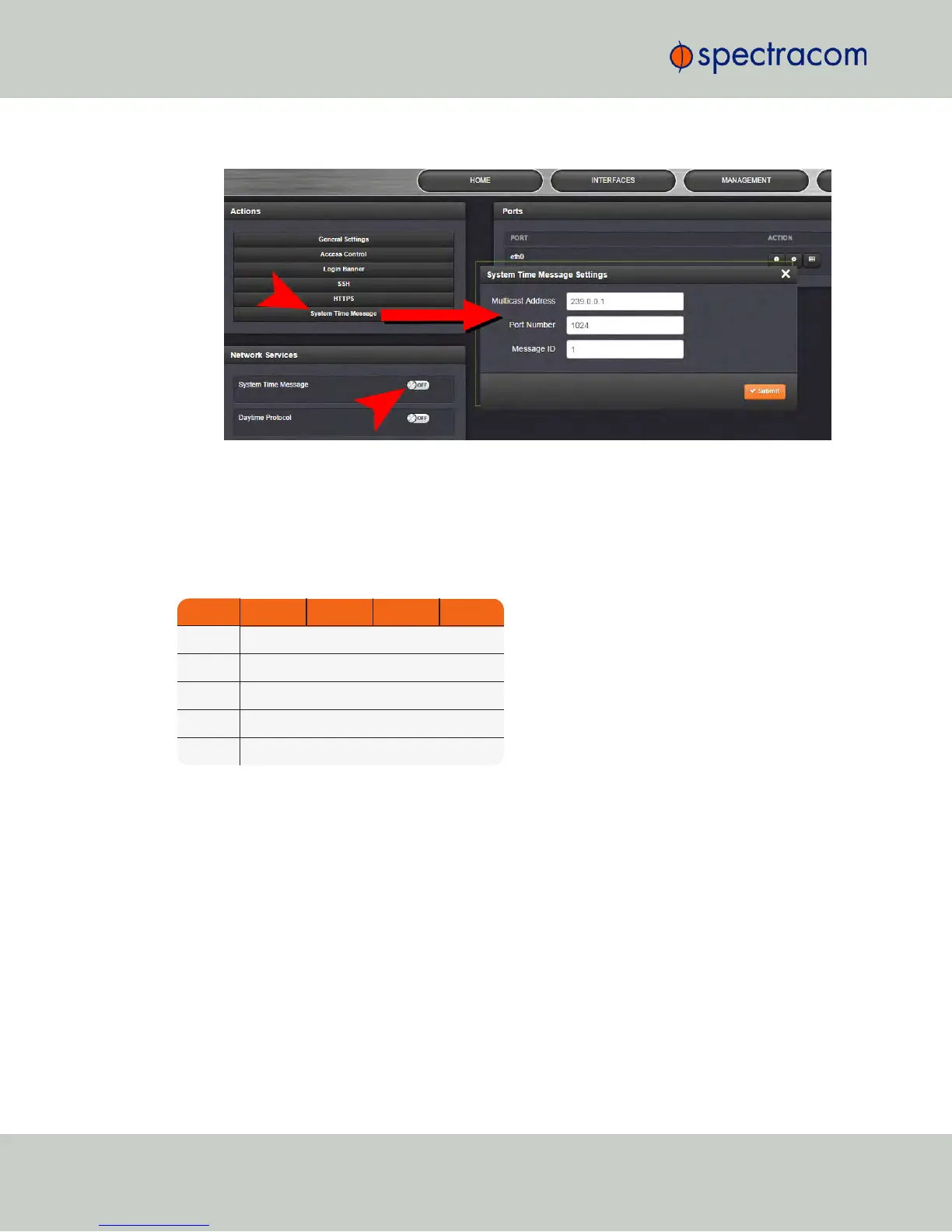
3.
In the Network Services panel, enable System Time Message.
2.14.9.1 System Time Message Format
This message contains the time when the next 1PPS discrete will occur. It is sent once per second
prior to the 1PPS discrete.
Table 2-6:
System Time Message format
Word Byte 3 Byte 2 Byte 1 Byte 0
1 Msg ID
2 Msg Size
3 Seconds
4 nSec
5 EOM
94
CHAPTER 2 • NetClock User Reference Guide Rev. 16
2.14 Configuring Network Settings



 To Next Page