SSH Setup
SNMP Setup
NTP Setup
PTP Setup
PeerD Setup.
Under OTHER, you can access non-network related screens:
Authentication: Manage user accounts, Security Policy, LDAP Setup, RADIUS setup,
Login Preference and Remote Servers. Change My Password is also available.
Reference Priority: Define the order of priority for timing inputs.
Notifications: Configure the notifications triggered by NetClock’s events. A notification
can be a combination of a mask alarm and/or SNMP Trap and/or email.
Time Management: Manage the Local Clock, UTC Offset, DST Definition and Leap
Second information.
Front Panel: Configure the appearance of the NetClock front panel display and keypad.
Log Configuration: Manage the system logs.
Disciplining: Manage oscillator disciplining.
Change My Password: Configure the admin password.
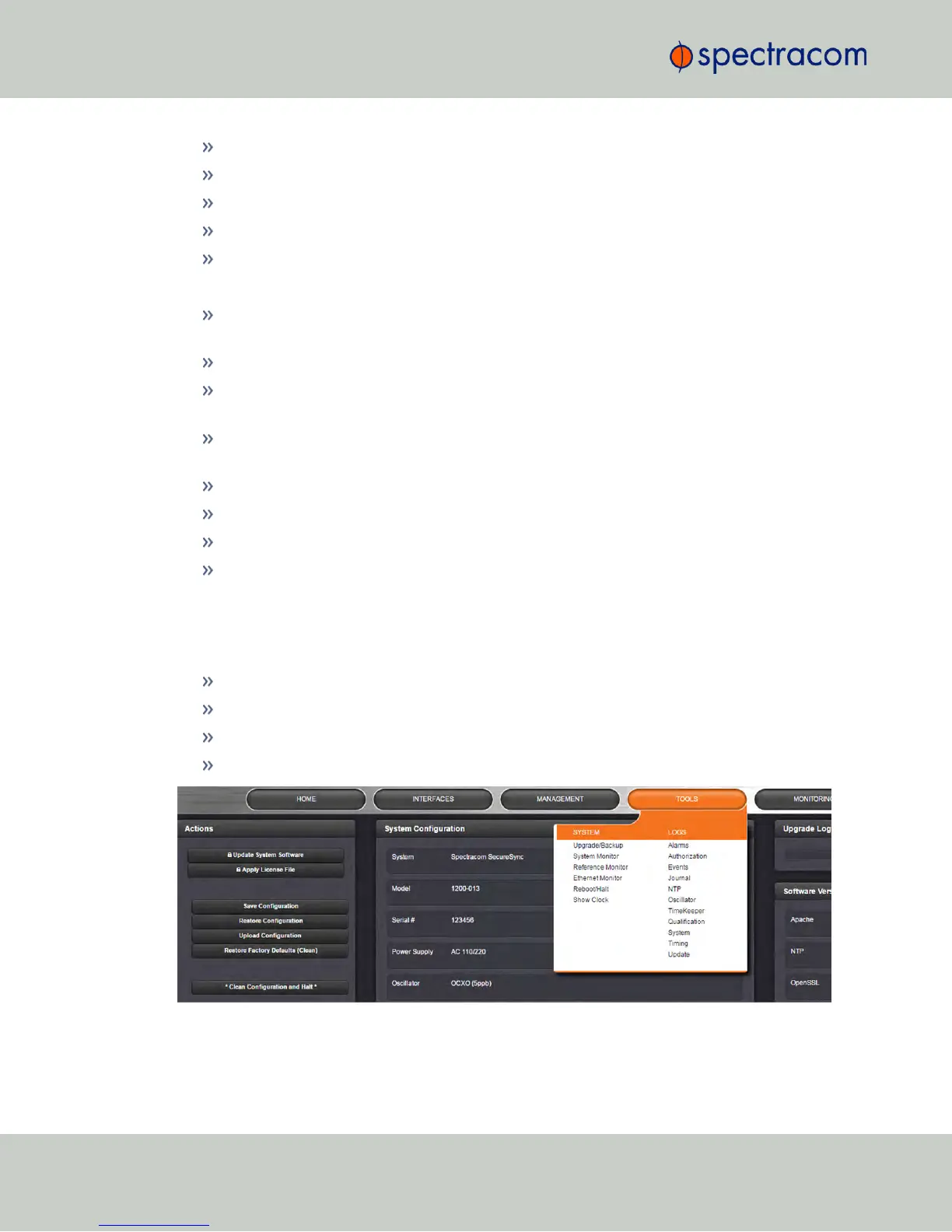
1.9.4 The TOOLS Menu
The TOOLS menu on the Web UI's Main screen provides access to:
The System Upgrade screen
System and network monitoring screens
Miscellaneous system administration screens
Log screens
18
CHAPTER 1 • NetClock User Reference Guide Rev. 16
1.9 The NetClock Web UI



 To Next Page