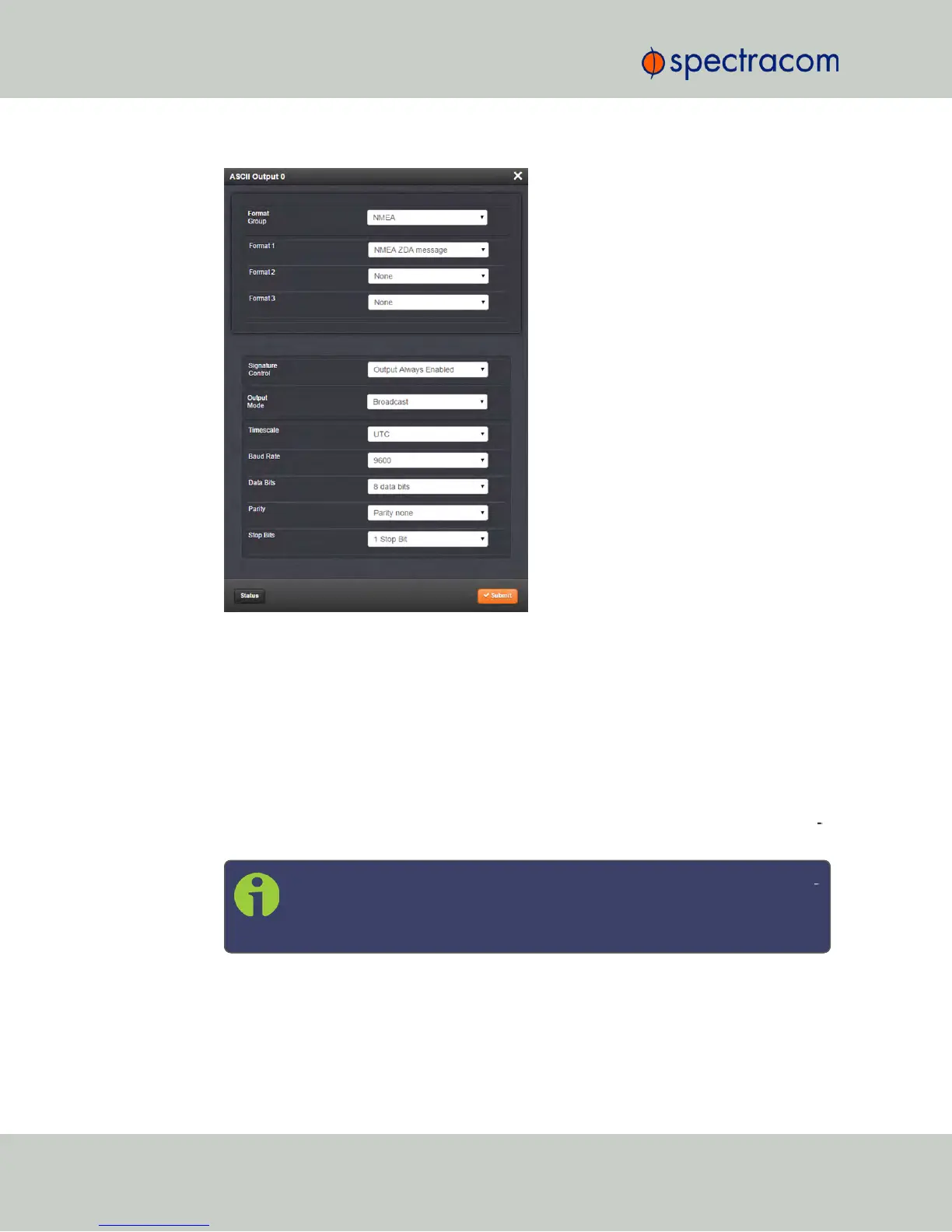
4.
Information about the configurable settings can be found in the corresponding option
module section, see "NetClock 9483—Available Option Modules" on page13, or
"NetClock 9489 In-/Outputs" on page336.
5.2.3.4 Viewing an Input/Output Signal State
To view if an input or output is currently enabled or disabled, go to the option module’s Status
Summary panel:
1.
Identify the name of the option module, (e.g., NENA), and the name of the input or out
put you want to configure (e.g., ASCII Output 0).
Note: If you have only one input or output of any type, NetClock will num
ber that input or output0. Additional inputs or outputs will be numbered1
or above.
346 NetClock User Reference Guide
APPENDIX



 To Next Page